Mellow Hub for Mac
Your Mellow Hub views, networks and queue on the Mac desktop, as widgets and a menu-bar app. It needs a Mellow Hub account and only reads your numbers.
By Mellow · UpdatedDownload Mellow Hub for Mac
Version 1.0.1 · 5 MB · macOS 14 or later
Signed and notarized by Apple, so it opens with the usual “downloaded from the internet” question and nothing more.
SHA-256 checksum of the file
c571b08ee818ac10c252d4e35b1c8a571743d6b66c1daa7af26a50d6b75f96bbWhat the widgets show
Four widgets, each in the sizes that suit it, drawn from the numbers Hub already has.
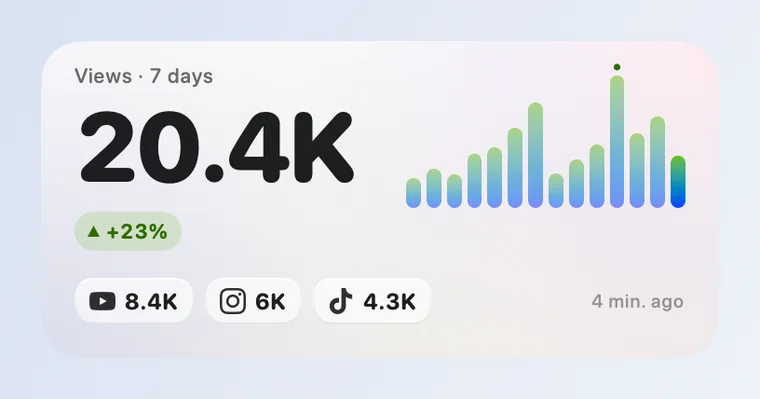
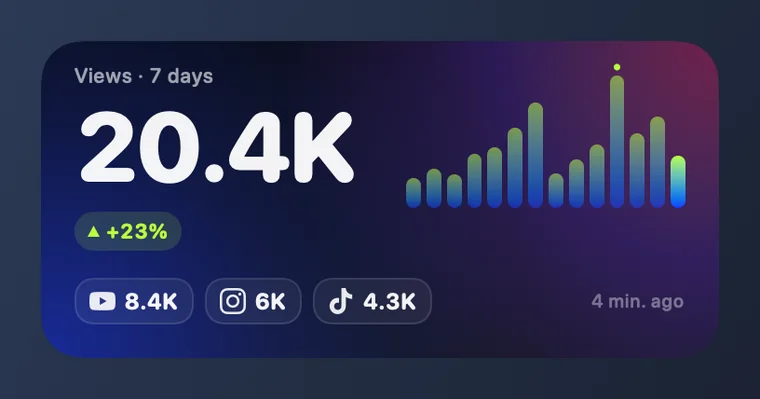
Views
Views of the posts from the last 7 days, against the 7 days before, with a bar for each day.
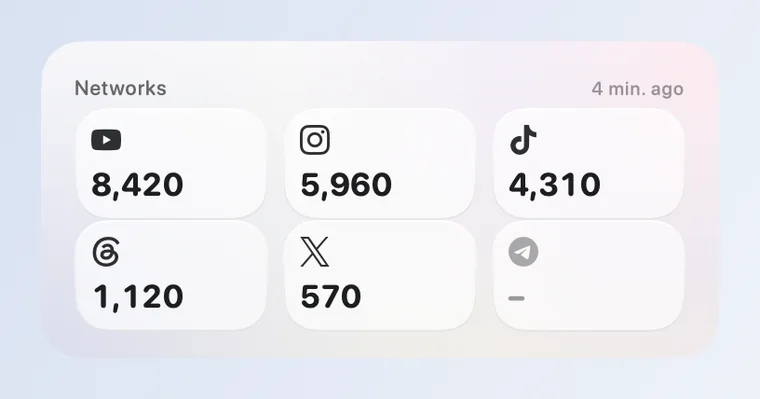
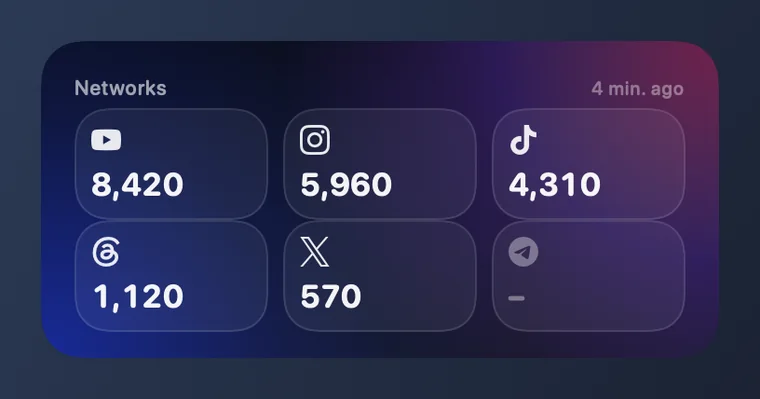
Networks
A tile for every connected network, most views first. A network that does not report views shows a dash, never a zero.
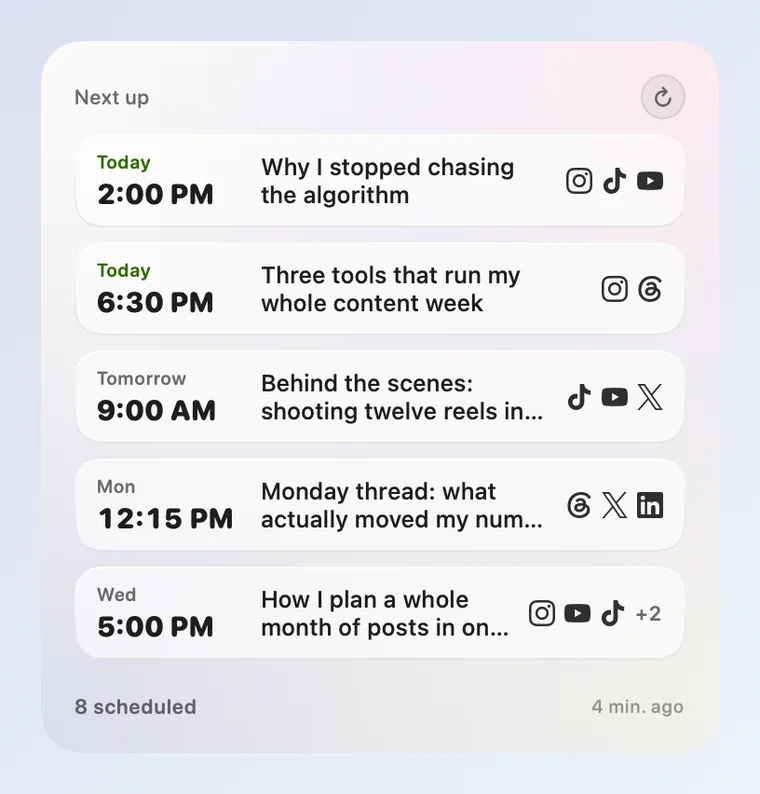
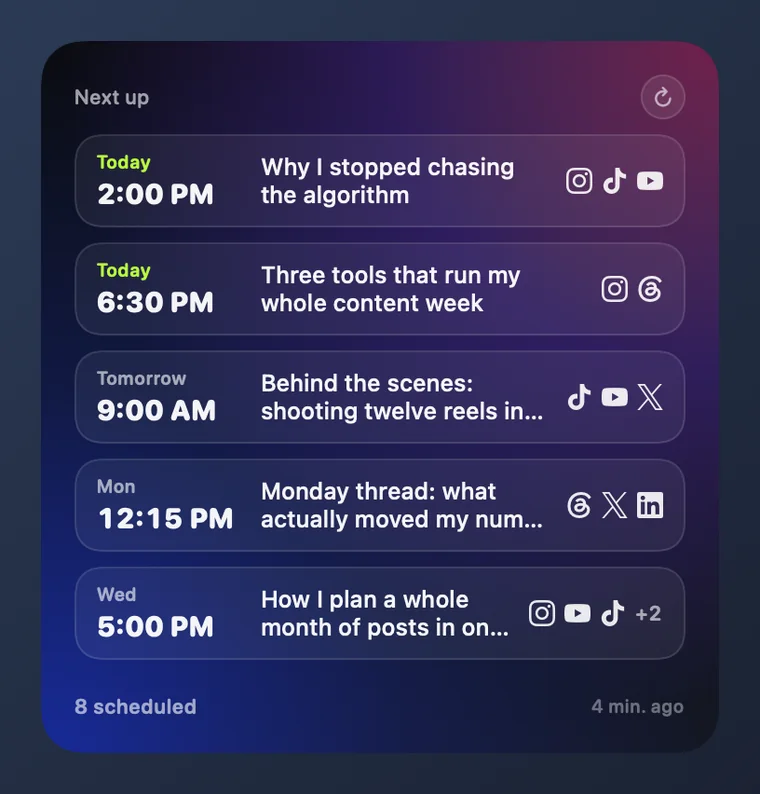
Queue
What goes out next: the time, the networks and the first line of each post.
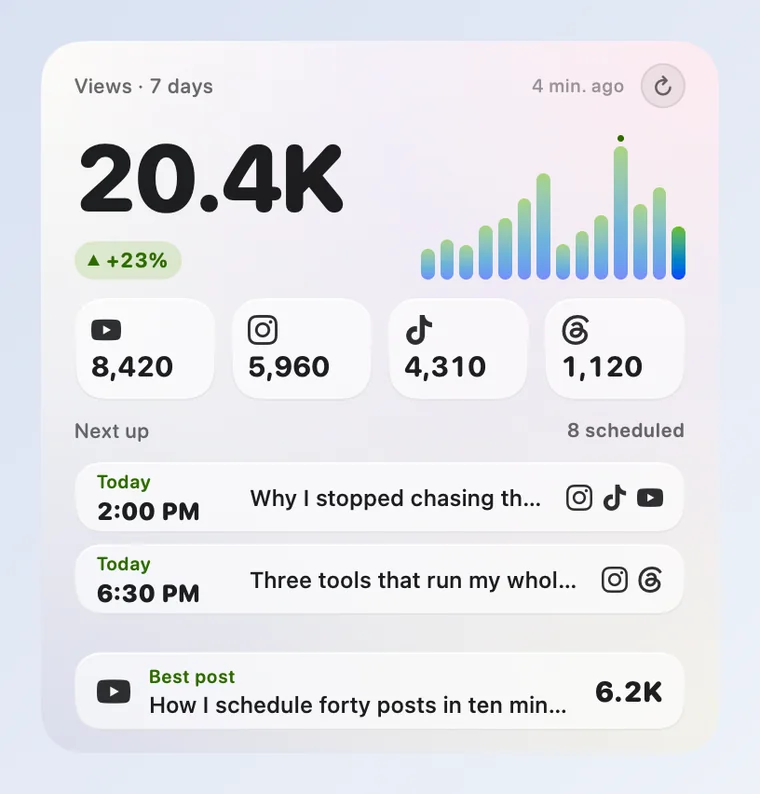
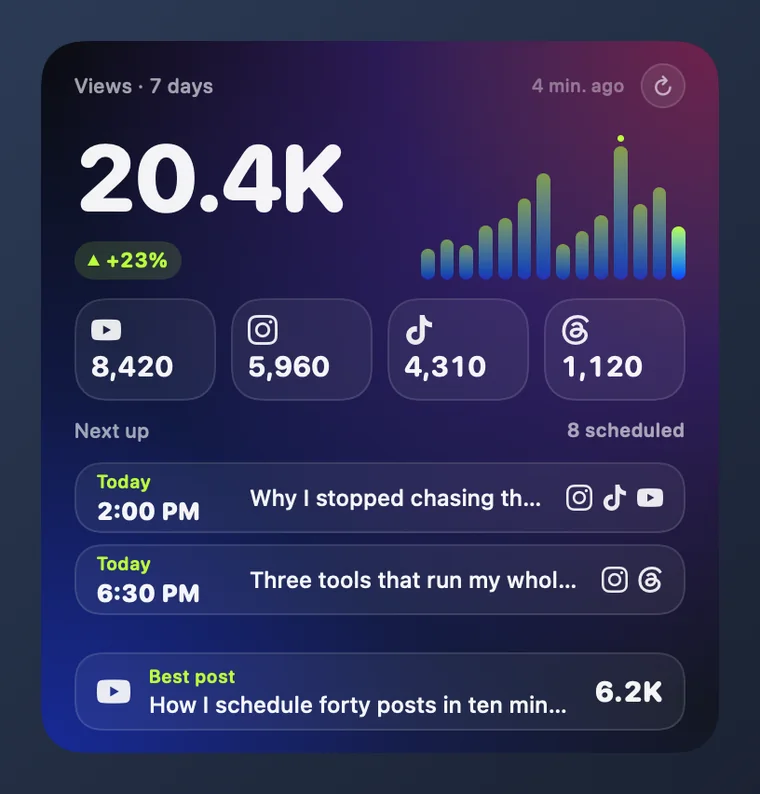
Dashboard
All of it in one large widget: the week, the networks, the queue and your best post.
The pictures use example numbers, not yours.
What you need
- A Mac with macOS 14 or later.
- A Mellow Hub account. When you sign in, you choose the profile the widgets show.
- Nothing to copy or paste: you sign in on Hub’s own page, in your browser.
Set it up
Open Mellow Hub for Mac and press Sign in. Your browser opens: choose the profile and press Allow.
Right-click an empty spot on the desktop and choose Edit Widgets.
Search for Mellow Hub and drag a widget out. Add as many as you like, in any size.
What it does, and what it cannot
It can
- Read the views, networks and queue of the profile you chose.
- Tell you when a post passes 1K, 10K or 100K views, and when a scheduled post goes out or fails.
- Refresh its numbers every five minutes while it is open.
It cannot
- Publish, schedule, edit or delete anything: it asks for read-only access.
- Send your numbers anywhere else: it has no analytics and talks only to mellow.world.
- Keep reading after you end its access: that takes effect on its next request.
Sign out and end the access
In the app, press Remove next to your profile and it stops reading. To end the connection for good, revoke Mellow Hub for Mac in Agents & access in Hub; it takes effect on the next request.
Questions
Can Mellow Hub for Mac post for me?
No. It asks Hub for read-only access, so it cannot publish, schedule, edit or delete a post. Posting stays in Mellow Hub, by hand or through your assistant.
Why does a network show a dash?
Telegram, Bluesky and LinkedIn do not report views to Hub, and a network with nothing to report shows a dash. A widget never shows an invented zero.
Does it work on an older Mac?
The desktop widgets need macOS 14 or later, and so does the app.
How does it update?
It checks for a new version twice a day and installs it when you quit or restart the app, or when you press Restart to update. Every update is signed and verified before it is opened.