
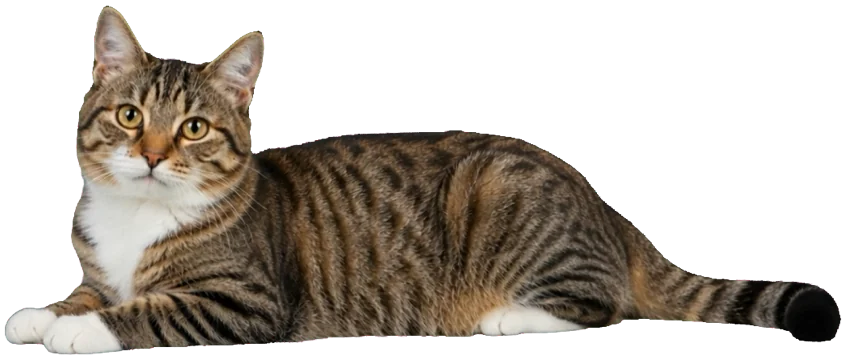
I lie on the edge of the window
Along the top of the Mellow window. Move the window and I ride along. I never run off the screen — tested.
 Mellow KittyDownload for Mac
Inside the window: all of Mellow — Plan, Grid, Assistant. Outside: me. I guard your focus, leap onto new posts and carry them to the Plan. The rest of the time I sleep. That matters too.
macOS 12 or later · Apple silicon and Intel · 12 MB. I travel light.
By the way, look down ↓
Real cats mind their own business. I mind yours. In a cat's way.
Along the top of the Mellow window. Move the window and I ride along. I never run off the screen — tested.

Start a focus round and a little clock appears; I lie down next to it and stay until the timer is done. It's a job.

You press “New publication” and I'm already on the sheet, peering over the edge at what you're writing.

Saved a draft or set a time? I hop down with the card and put it in the Plan. With my paws.


A post goes out — I wave a paw. It doesn't — I look worried, and Mellow tells you exactly what happened.

Most of the day I sleep, wash and stretch. I never block a click. I only wander the screen if you tick the box.
Real shots from the app, nothing staged. The window is all of Mellow; its edge is mine.
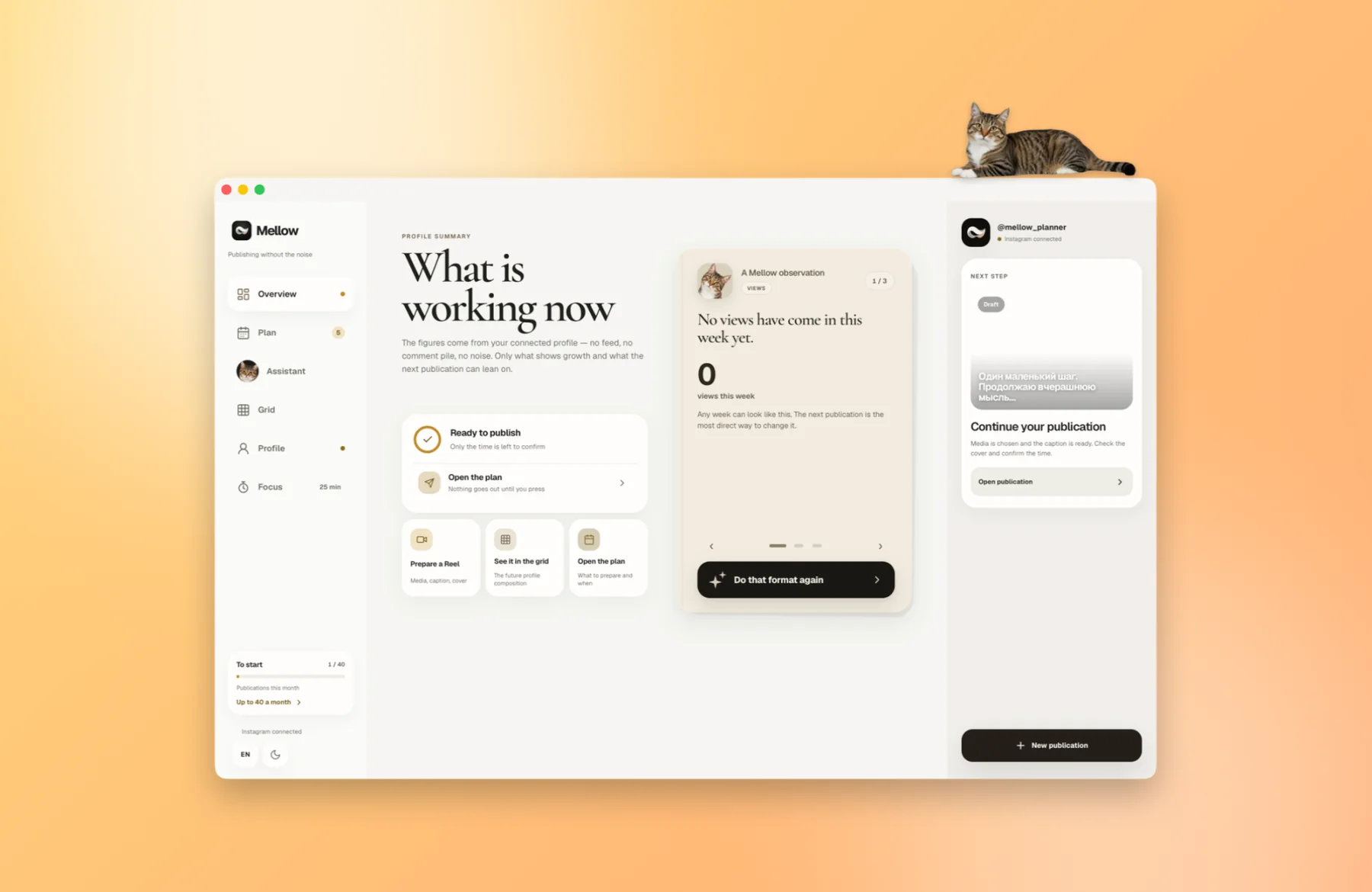
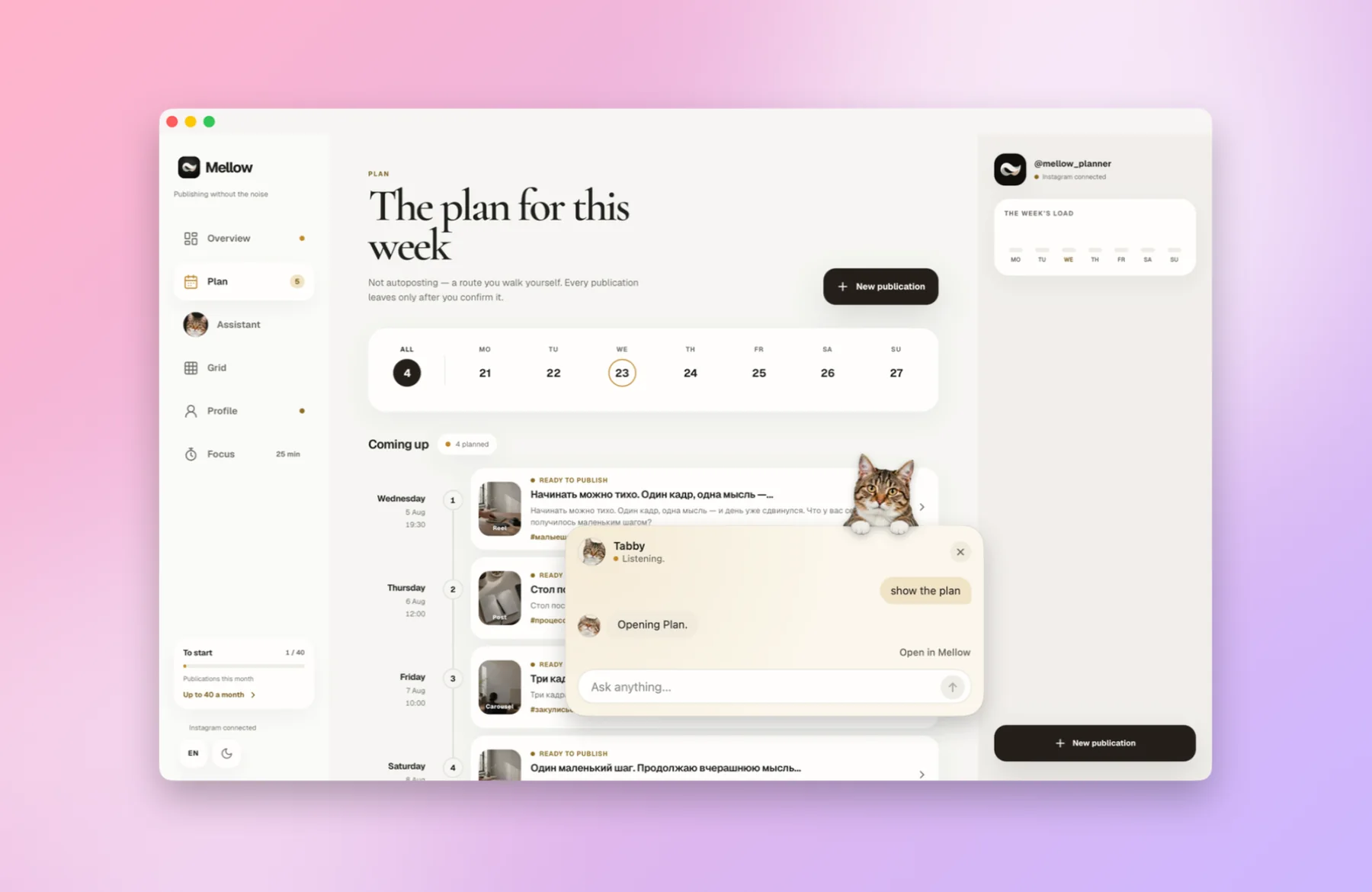
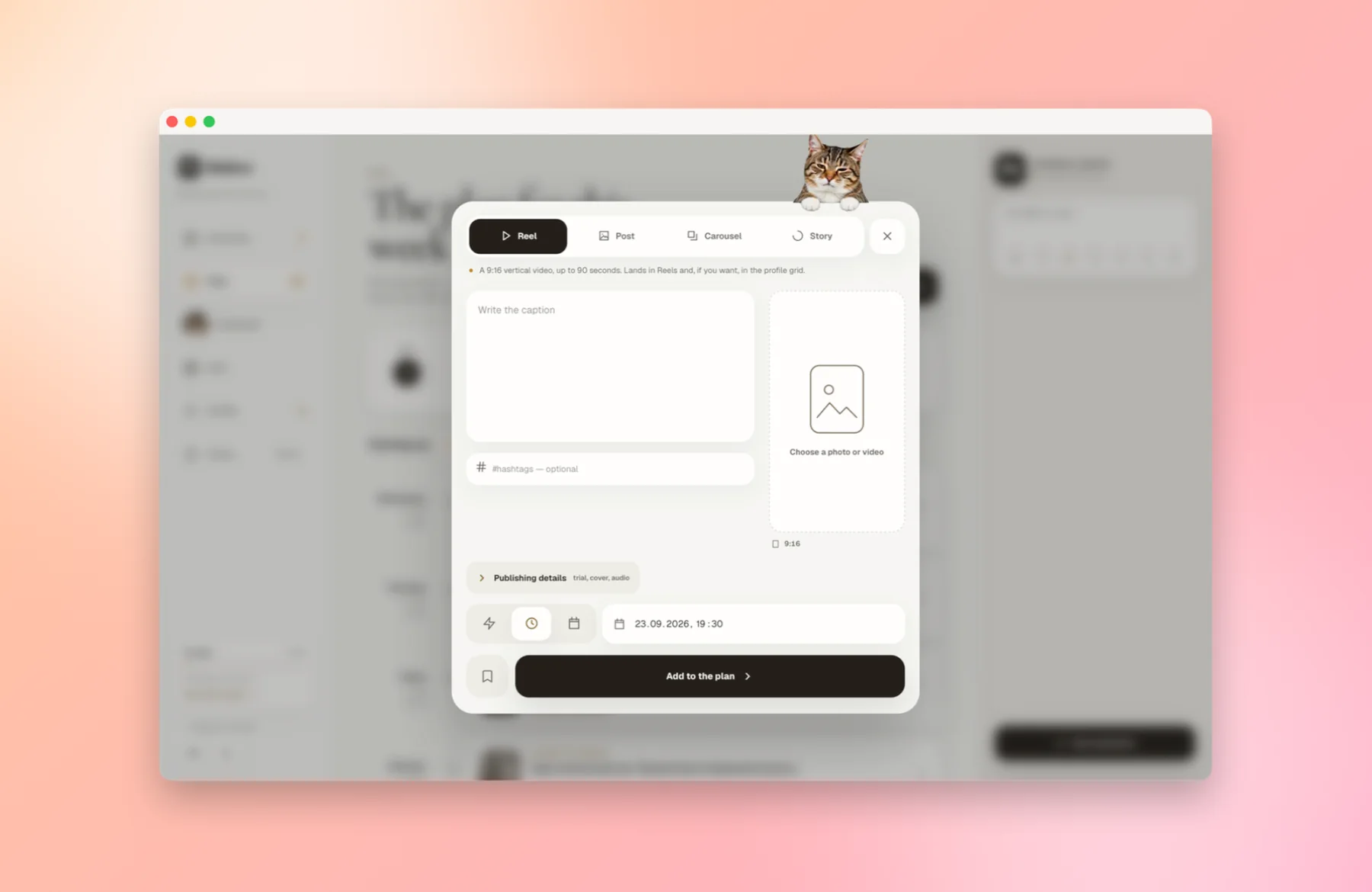
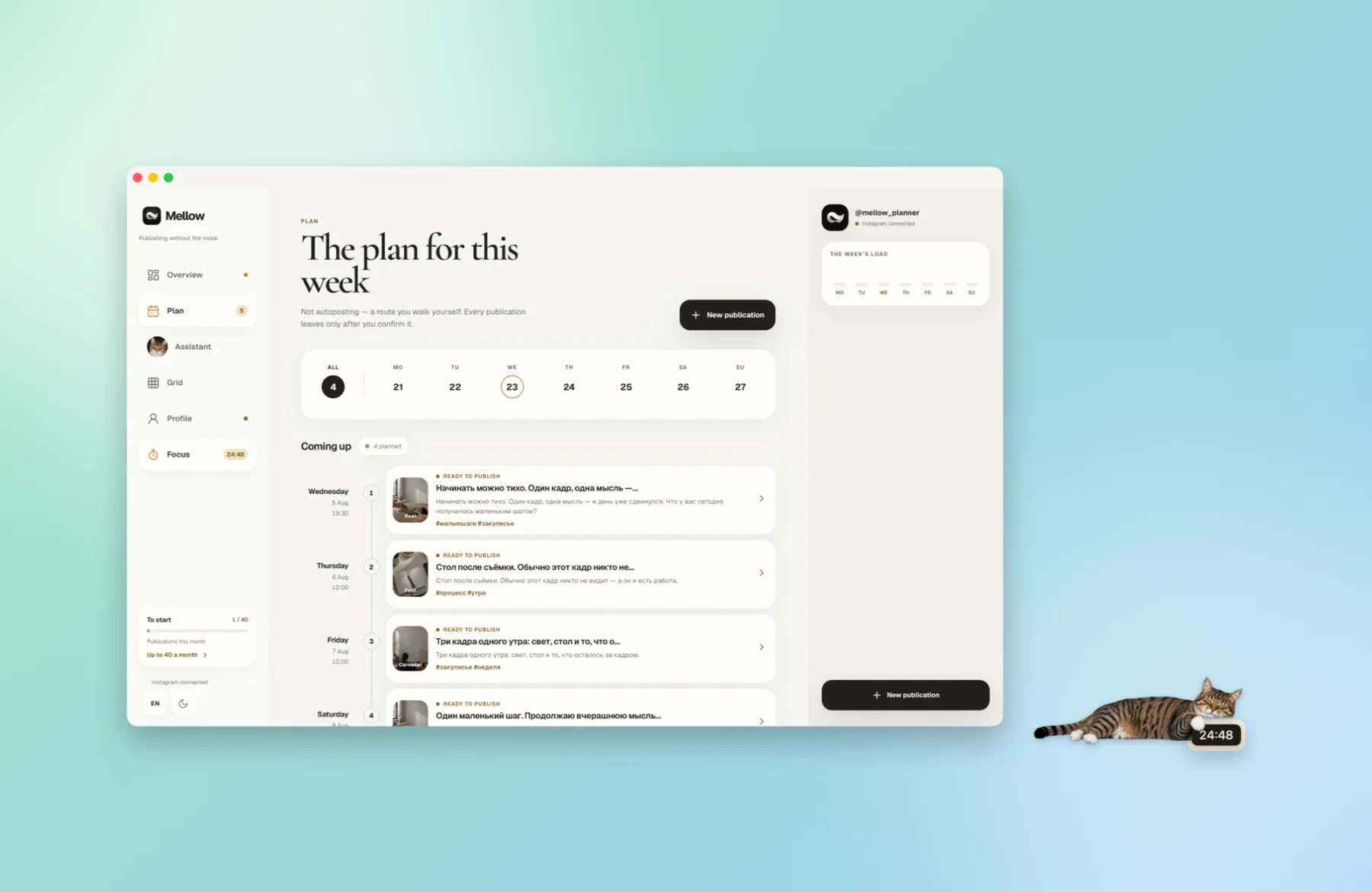
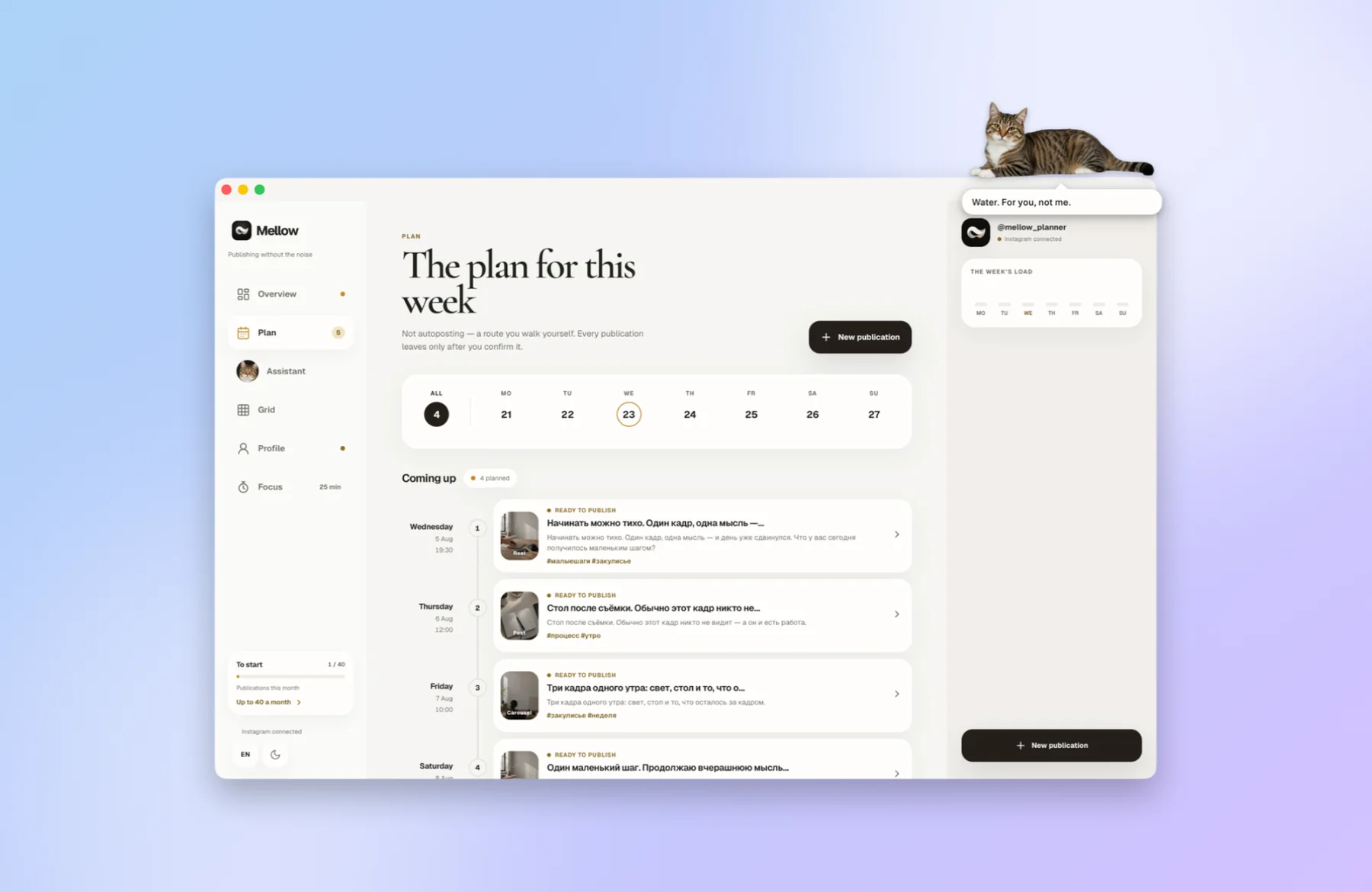
This is not a cut-down version: the window holds the whole of Mellow. Sign in with your Mellow account and your drafts, your schedule and your connected Instagram are already there.
I'm a cat, but I deal with Instagram by the book: no grey schemes, and nobody's paws on your password.
I publish only through Instagram's official API. You sign in on Instagram's own screen, so I never see your password.
Delivers your posts, Reels and stories to Instagram through that same official API. It's the service we work with.
The app is signed and notarised: Apple checked it, so macOS opens it without warnings.
Instagram is a trademark of Meta Platforms, Inc., and Apple a trademark of Apple Inc. Mellow is not affiliated with or endorsed by either.
I arrive in a box. Cats love boxes.
 FRAGILE · CAT↑ THIS SIDE UP
One .dmg file, about 12 MB.
I don't resist.
The same account as in the iPhone app — or make one right in the window. I take it from there.
SHA-256 f30ac8147bd2fba68f2e5964b21375ea508020a275d694eb89c200662eda7a6aThe questions people ask me most. I answer honestly; it's the only way I know.

Yes. The download is free and so is using me: up to 30 Instagram publications a month, no card, no trial. The allowance resets on the 1st. The iPhone app works differently: there, publishing is part of an App Store subscription.
No catch. Our second product feeds us: Mellow Hub. It sends one post to ten networks at once — Instagram, TikTok, YouTube, LinkedIn, X, Threads, Bluesky, Pinterest, Facebook and Telegram. One post instead of ten, and ten times the places people can find you. Hub is paid and, for now, has no cats. It pays for my food, so I work for free.
Only through Instagram's official API from Meta, via our publishing provider, Post for Me. You sign in on Instagram's own screen: I never see or keep your password. And nothing goes out without your say-so.
No. It's the same Mellow account as in the iPhone app. One sign-in.
No. I never block a click on Mellow, I never leave the screen, and I sleep most of the time. If I'm still too much, one checkbox under “Your cat…” hides me altogether.
Me — none. If you use something that needs one — a notification when a focus round ends, voice input, putting distracting windows away — macOS asks you separately, at that very moment.
If it has macOS 12 Monterey or newer — that's Macs from 2015 on, Intel or Apple silicon alike. I'm light: about 12 MB, and while you're away from the keyboard I sleep and don't even move.
No. I'm signed with an Apple Developer ID and checked by Apple (notarised), so there's no “unidentified developer” warning. The first time, macOS only asks whether to open an app downloaded from the internet — say Open.
Yes. Twice a day I look for a new version, download it quietly and put it in place when you quit me — or straight away, if you choose “Update and restart” in my menu-bar menu. Every update is signed; anything that fails the check I don't even open.
Mac only for now — I live on the edge of a macOS window. For the iPhone there's a separate Mellow app.
There's just me for now. Tabby. But I try hard enough for several.