The situation and the goal
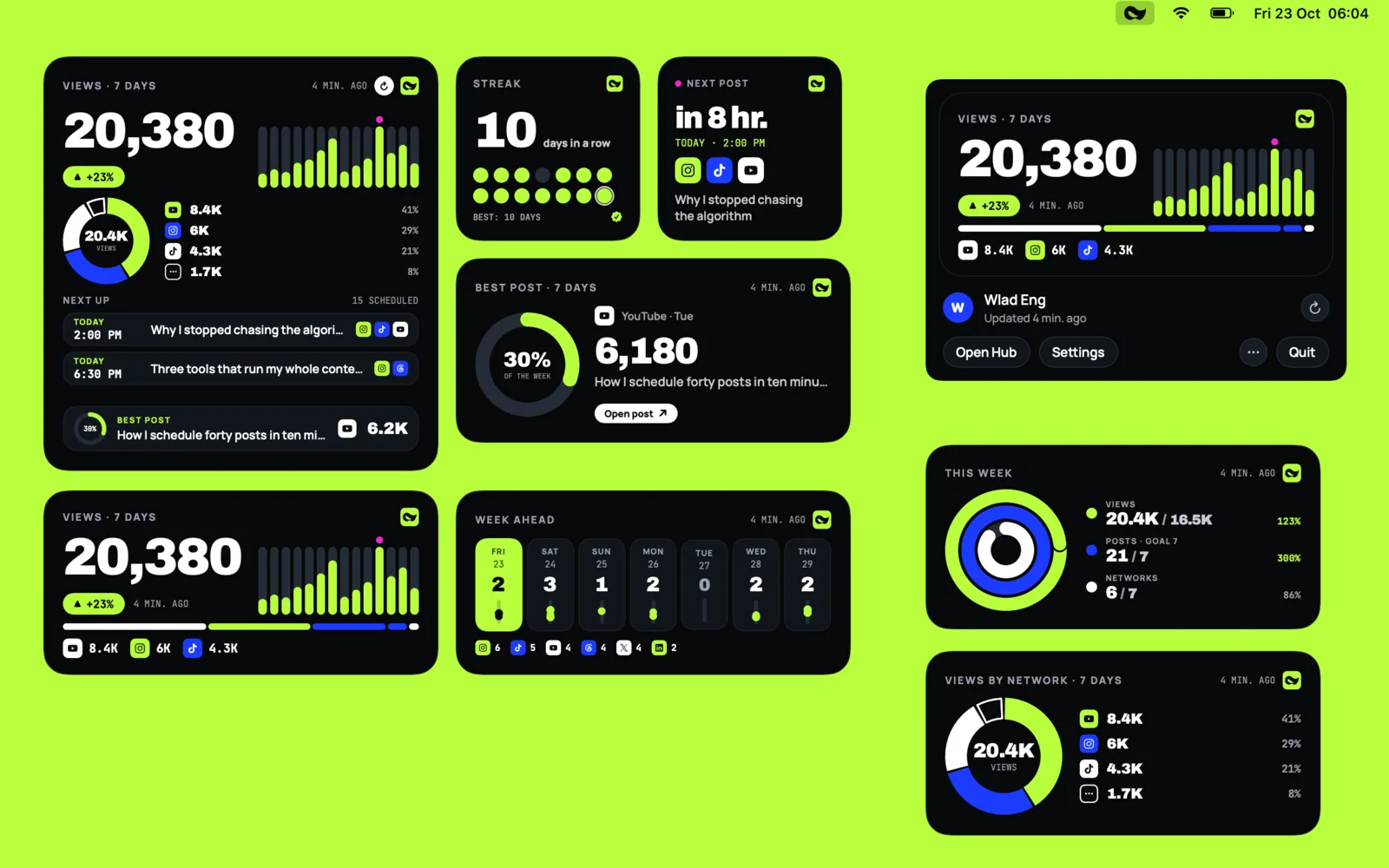
Mellow Hub lives on the web. On 23 October 2026 our founder asked for its numbers on the Mac desktop, as widgets, for every user. Our own rule for native software is strict: a local build is not a release. It counts once it is signed, notarised, published, and a copy somebody installed has updated itself to the next version.
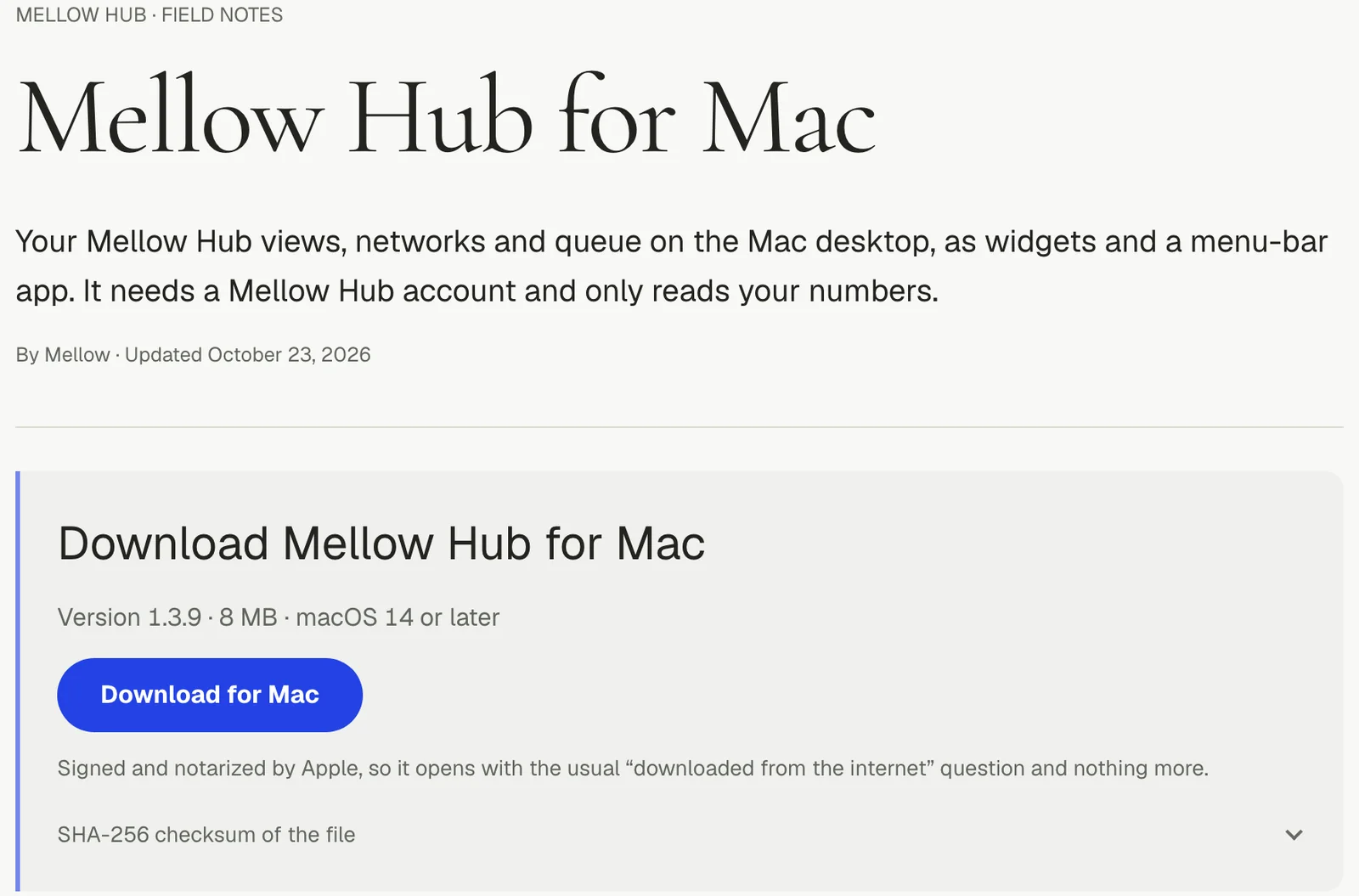
So the goal was two things at once: a menu-bar app with WidgetKit widgets that anyone can download outside the Mac App Store, and an update path we could trust from the first day. Below is how it went from 1.0.0 on 23 October to 1.3.9 on 7 November 2026: 14 releases in 16 days.
What we did, step by step
1. The release path, before the certificate existed
On 23 October, before we had a certificate, we built everything around it:
- One release script makes a Developer ID build with the hardened runtime, sends it to Apple’s notary service, staples the ticket, builds the disk image and writes a signed update feed. It refuses before building anything when the certificate, the notary credentials, the update key or the release notes are missing, and says which. A check mode builds nothing; an ad-hoc mode runs the whole path locally with a throwaway key.
- Sparkle 2.10.0, pinned to that exact version. The app is sandboxed, so Sparkle’s Installer launcher service ships inside the framework, signed with the app, and the entitlements name its two Mach services (the
-spksand-spkinames Sparkle’s sandboxing guide asks for). The feed must be signed, and every update is verified before it is unpacked. - The feed answers from day one. Until the first release it serves an empty, valid feed, never a 404, and the download link points to the page.
- Release notes in 14 languages, which the update window shows.
We rehearsed an update, 1.0.0 to 1.0.1, on a local feed with a throwaway key before anything was real.
2. The certificate: a person, not an API
A Developer ID Application certificate can be created only by the Apple Developer account holder: Apple’s help page gives the required role as Account Holder. The App Store Connect API answered 403 when we tried. Our founder signed in to the developer portal and uploaded a signing request that our script had generated into a dedicated keychain.
We needed no provisioning profile. On macOS the App Groups entitlement is not restricted when the group’s id starts with the team id, as Apple’s developer-support engineer states in the Developer Forums, and every other entitlement the app claims is unrestricted too. A test fails if a restricted one ever appears.
3. 1.0.0, and what a real install found
1.0.0 shipped on the evening of 23 October: a 5.1 MB disk image, the app and the image both accepted by the notary service and stapled, and Gatekeeper reading it as Notarized Developer ID. The first real install found three problems within the hour:
- the sign-in button waited for the notifications prompt to be answered (fixed in 1.0.1);
- the widgets showed placeholders, because the widget extension was registered from several build folders (unregister build products with
pluginkit -randlsregister -u); - a copy installed from the terminal kept its quarantine flag, ran translocated, and Sparkle refused to update it (copy it the way Finder does, with
ditto --noqtn).
The same night Sparkle offered 1.0.1 to the installed 1.0.0 on our founder’s Mac and installed it, and his sign-in survived the update.
4. The pace that followed
Then the app grew fast: the whole Hub cabinet in a native window (1.1.0, 24 October), and Cerebro, a photo sorter that reads the Photos library on the Mac (1.2.0 on 3 November, and most releases after it; how its browser half sorts photos is a case of its own).
| Date (2026) | Versions | What changed |
|---|---|---|
| 23 Oct | 1.0.0, 1.0.1 | Widgets, sign-in, updates; the sign-in fix |
| 24 Oct | 1.1.0 | The Hub window, twelve widgets in four looks |
| 3 Nov | 1.2.0, 1.3.0, 1.3.1 | Cerebro, any folder, the first release built on a second Mac |
| 4 Nov | 1.3.2 | A sharp photo when one is opened |
| 5 Nov | 1.3.3 to 1.3.8 | The restart fix, faster reading, update prompts, albums |
| 7 Nov | 1.3.9 | Every launch opens the Hub window |
Results
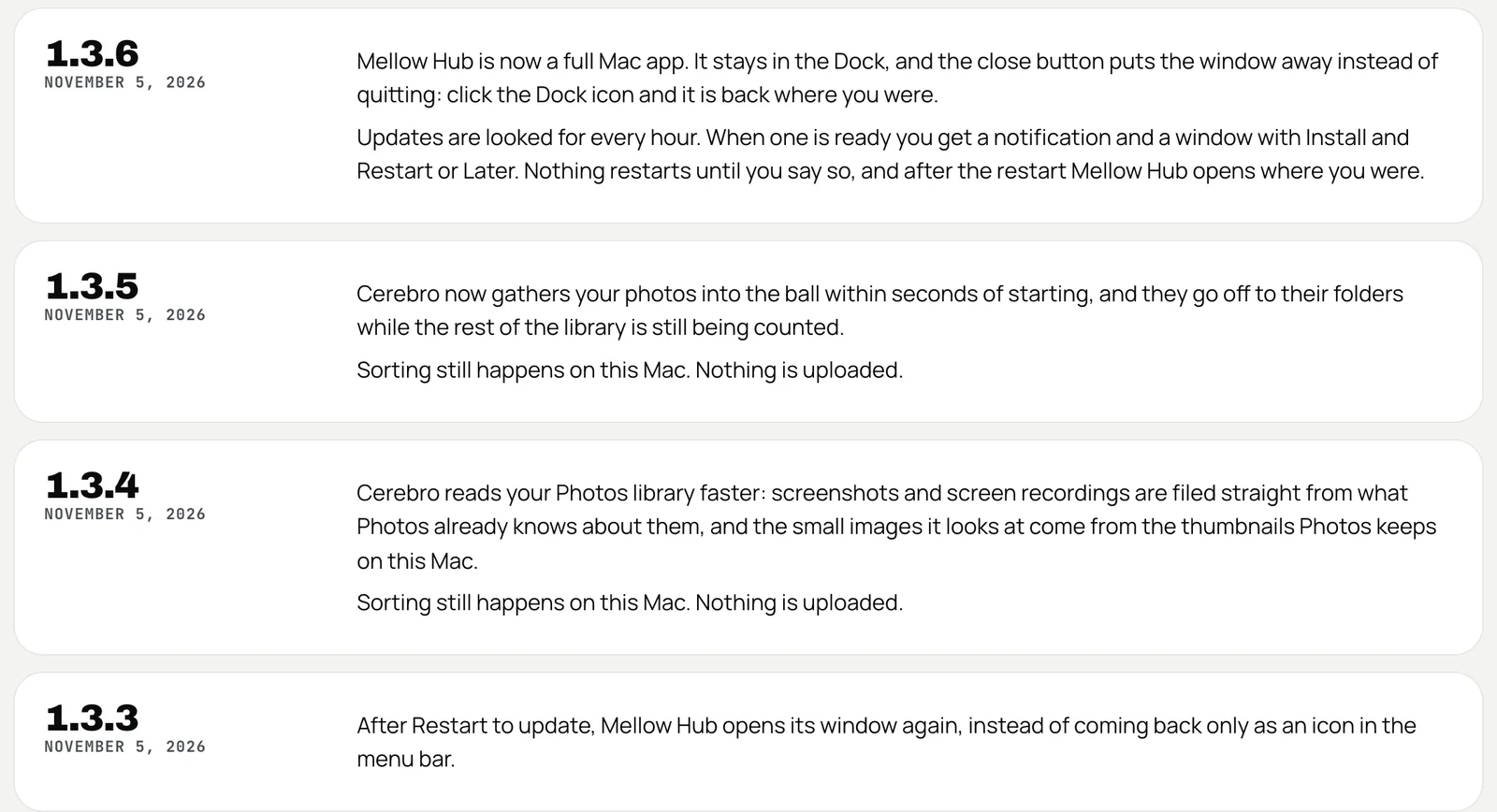
- 14 signed, notarised releases between 23 October and 7 November 2026, six of them on 5 November. Each carries a higher build number than the last, because Sparkle compares builds.
- The disk image grew from 5.1 MB to 7,598,242 bytes, and the app’s XCTest suite from 135 tests to 308.
- Updates proven on installed copies, not only in tests: 1.0.0 to 1.0.1 on our founder’s Mac, then 1.3.0 to 1.3.1, 1.3.1 to 1.3.2 and 1.3.2 to 1.3.3 on a copy installed from the live download on our second Mac, each fetched by itself, signature valid, still notarised.
- Releases moved between machines. 1.3.0 was the first built on our Mac mini. A new update key had been generated there first; it was never shipped, because every installed copy would have refused anything signed with it. Our founder copied the original key over instead.
What did not work, and what we changed
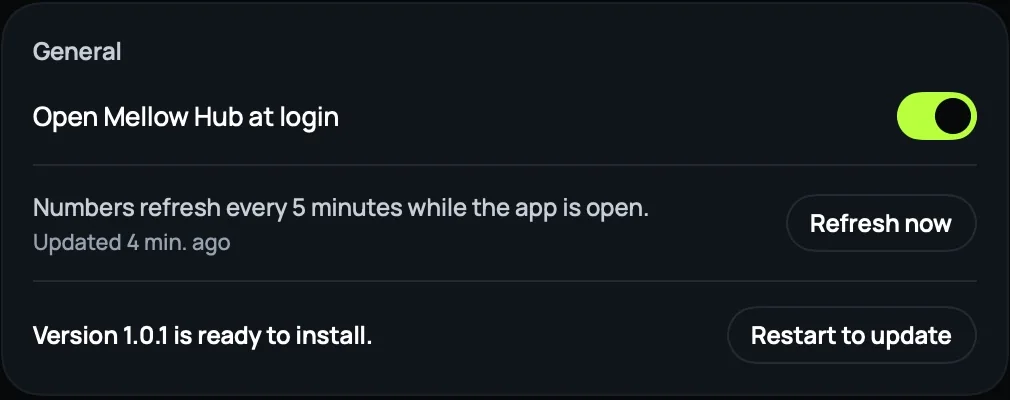
- “Restart to update” looked broken. On 5 November our founder pressed it, and nothing opened. A rehearsal showed Sparkle had relaunched the app 0.3 s after the old copy quit, but a menu-bar app comes back as an icon only. Since 1.3.3 the restarting copy notes the page its window showed, and the relaunched copy opens the window there.
- Updates nobody saw. Until 1.3.5 Sparkle checked every 12 hours, downloaded silently and installed on quit, which a menu-bar app hardly ever gets. Our founder’s verdict: updates “either happen by themselves or never come”. Since 1.3.6 the app stays in the Dock, reads the feed hourly and again when it comes forward, and a ready update brings a notification with Restart Now and a prompt, Install and Restart or Later; Later asks again after four hours. Older copies needed one last quit, so the web cabinet now tells any copy older than 1.3.6, recognised by its user agent, that a new version exists.
- Web changes are not app updates. The window shows the live site, so a web change needs no release. On 4 November our founder waited for an update prompt that a web deploy never brings; we now say which kind each change is.
- Rehearsals can hang. A test copy that reads the real app’s shared container under another signature waits on a macOS prompt. Rehearsal copies get their own bundle id and no App Group.
- Not proven yet: the install on a fresh macOS user account from our own checklist is still not on record as of 8 November 2026.
How to do it yourself
- Have the account holder create the Developer ID Application certificate; an API key cannot.
- Pin Sparkle to an exact version, require a signed feed and verification before unpacking, and for a sandboxed app ship the Installer launcher service with its two Mach-lookup entitlements.
- Generate your own EdDSA update key and back up the private half at once. It cannot be regenerated. Sparkle documents a key rotation through an update signed with the same Developer ID, but if you require a signed feed, as we do, that needs a fallback option set before the key is lost.
- Script the release so it refuses early, and never edit a signed feed: release a higher build instead.
- Serve an empty, valid feed before the first release.
- Rehearse an update locally with a throwaway key and a separate bundle id, then prove it once on a copy installed from your real download.
- For a menu-bar app, reopen the window after a relaunch, read the feed more often than twice a day, and ask before restarting.
The app itself is on the Mellow Hub for Mac page, every release note is on one page, and the iPhone and Mac apps are side by side on the apps page.