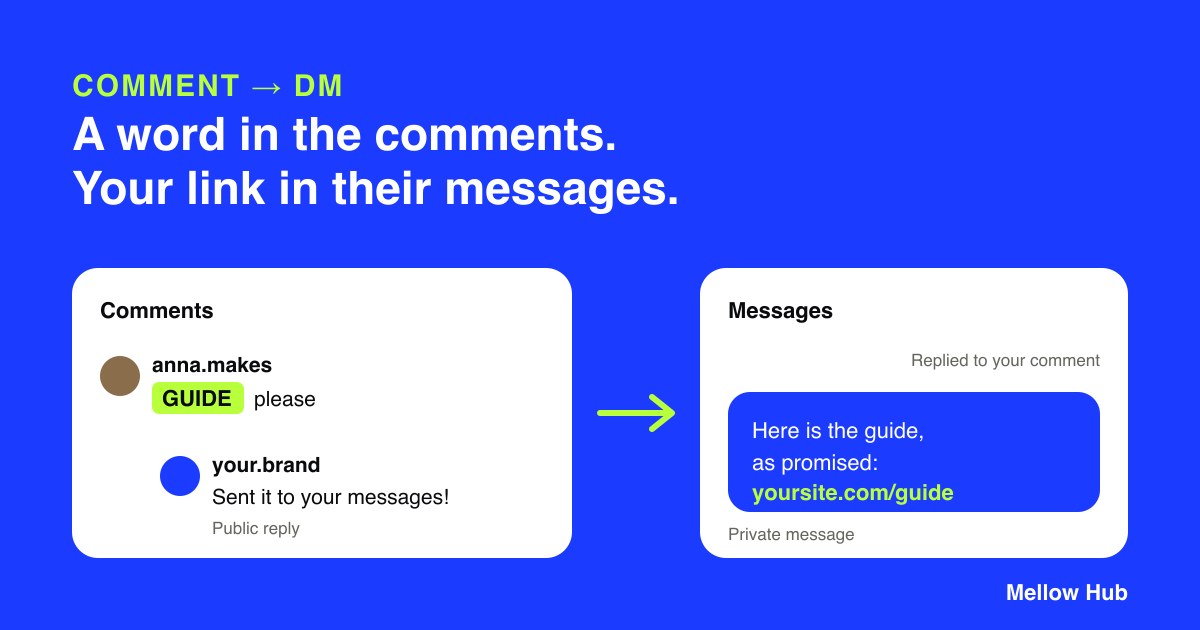
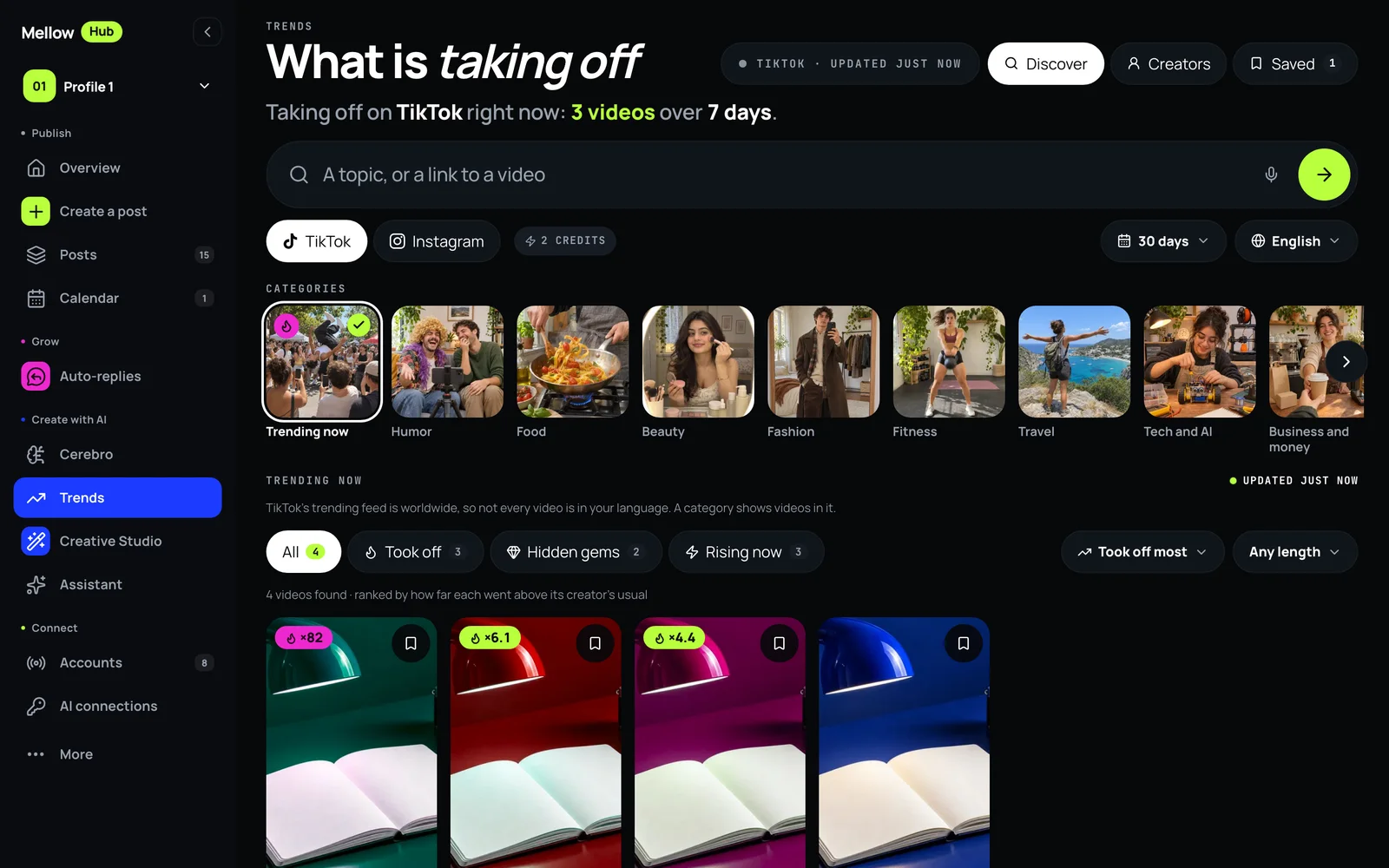
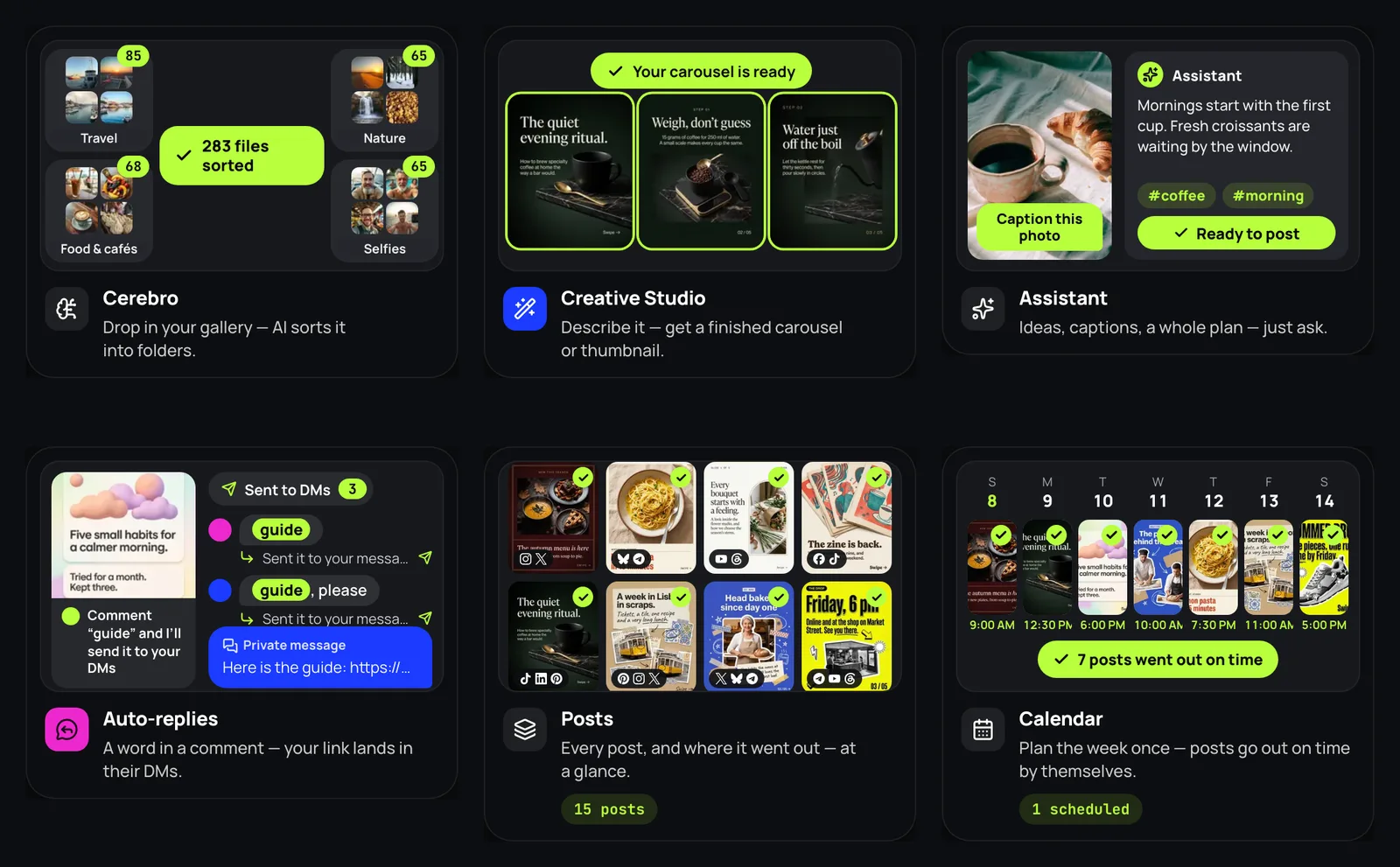
Comment-to-DM is how a post turns into a conversation: someone writes a word under it, and your link arrives in their messages. In Mellow Hub it sat at the bottom of the menu, under Connect, next to the agent settings. From today it sits where a feature you use every week belongs.
Where to find it
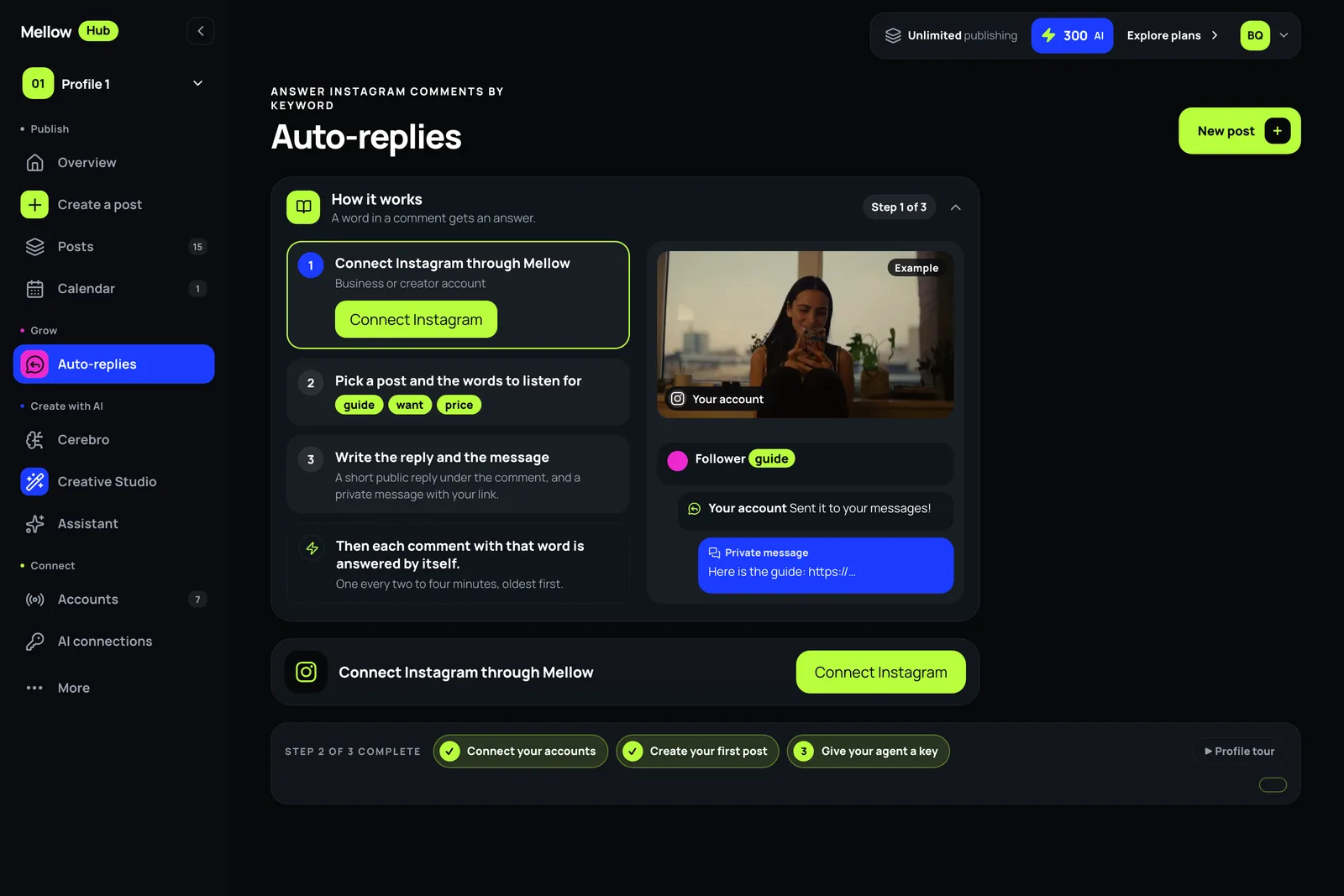
On a computer: its own section, Grow, right under Calendar, with a magenta icon. It stays in the menu on short screens too.
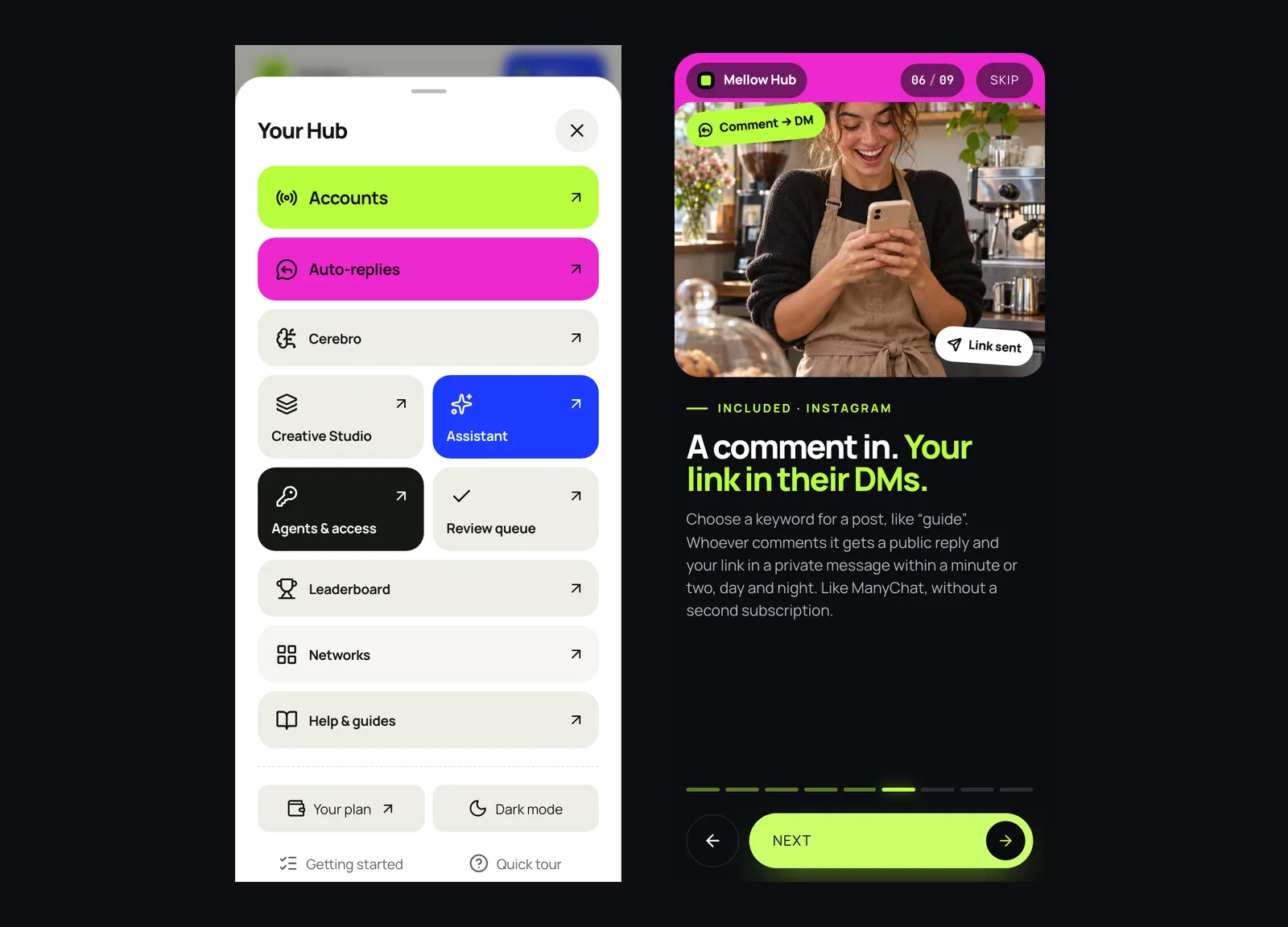
On a phone: a whole row under More, right below Accounts.
In Hub for Mac 1.3.10: View → Auto-replies, or ⌘5, next to Overview, Calendar, Posts and Accounts.
On a phone: Auto-replies right under Accounts in More, and the welcome’s new slide. Screens of the app in English.
New accounts meet it on day one
The plan offer and the pricing page list it second among what every plan includes.
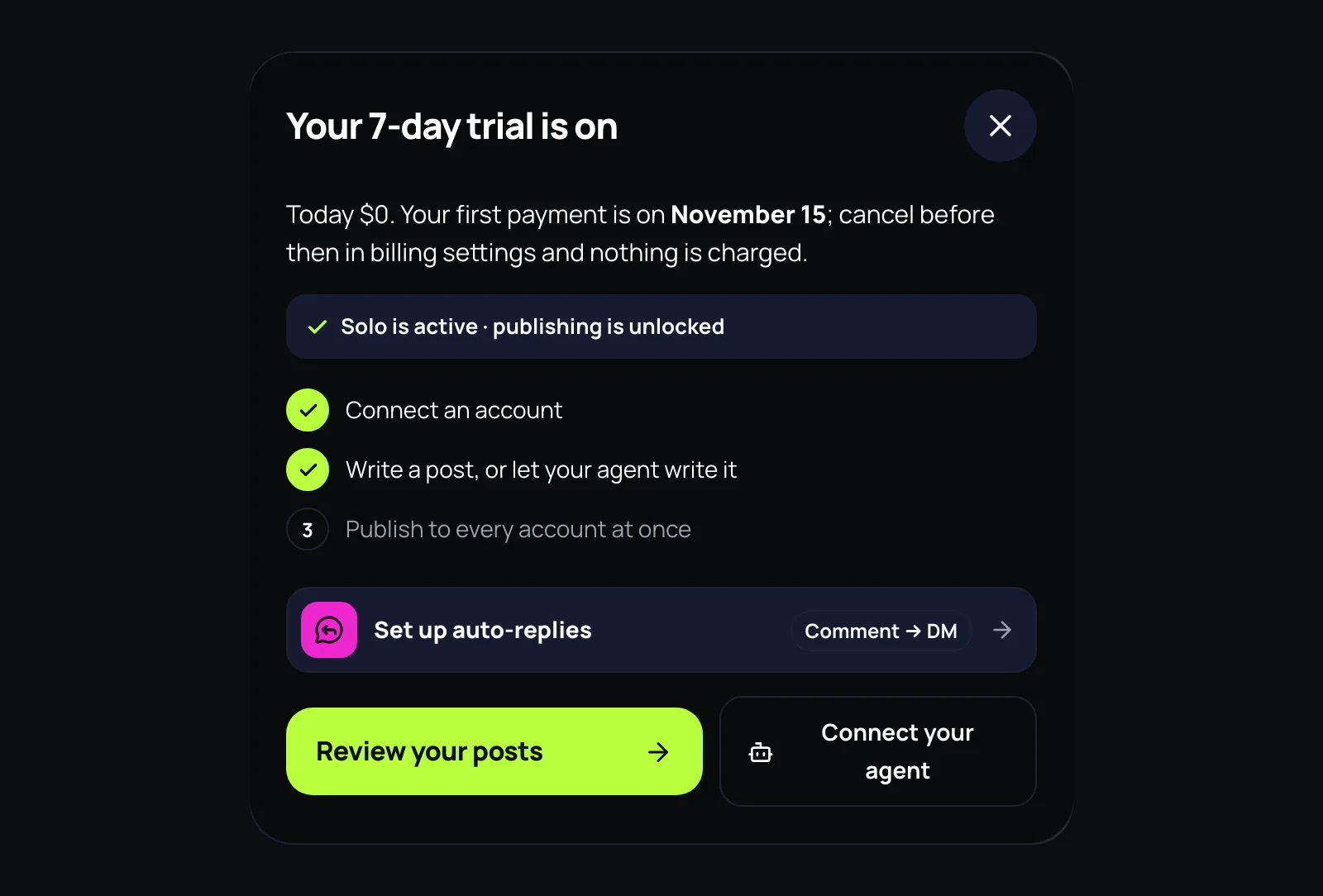
The screen after checkout has a Set up auto-replies row next to the first-post steps.
The welcome has a slide for it, and the tour of the menu stops on it.
Right after checkout, next to the first-post steps.
How it works
Pick a post, or all of them, and up to 10 words to listen for, say guide.
Write a short public reply (up to 5 variants, so it does not repeat itself) and one private message with your link.
Every comment with the word gets the reply and the message within a minute or two, day and night.
Instagram’s rules, which Hub keeps
One private reply per comment, within 7 days of it.
Messages only to someone who wrote in the last 24 hours. No broadcasts.
Up to 50 rules a profile. Included in every plan, with no price per contact: the ManyChat trick without a second subscription.
Questions
Where are auto-replies in Mellow Hub?
On a computer, in their own menu section, Grow, right under Calendar. On a phone, under More, right below Accounts. In Hub for Mac, View → Auto-replies, or ⌘5.
Do Instagram auto-replies cost extra in Mellow Hub?
No. They are included in every plan, with no price per contact and no second subscription.
How fast does the reply arrive?
Within a minute or two: after the first few, Hub leaves 30 to 90 seconds between answers so a busy post does not look like a bot, day and night.
Can I message all my followers?
No. Instagram allows one private reply per comment within 7 days of it, and messages only to someone who wrote in the last 24 hours. Hub keeps those rules and sends no broadcasts.
Meta approved Mellow’s app for Instagram messages. A keyword under a post now gets a public reply and a DM, with ready scenarios and AI answers in DMs.