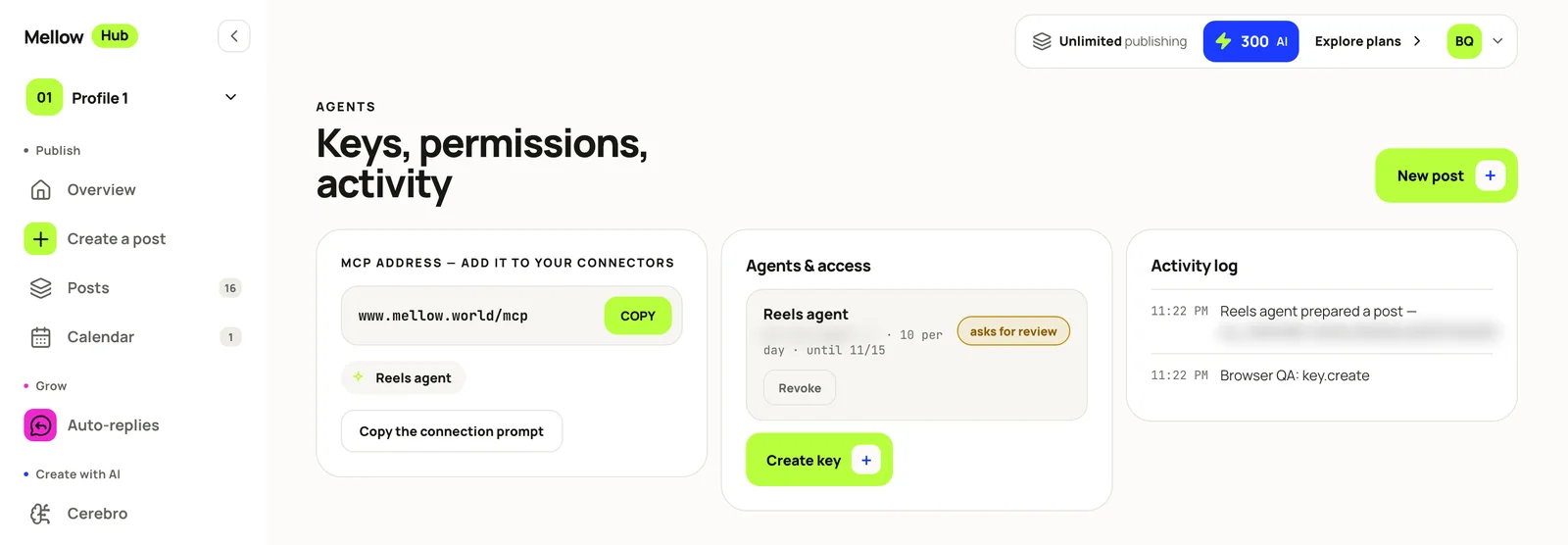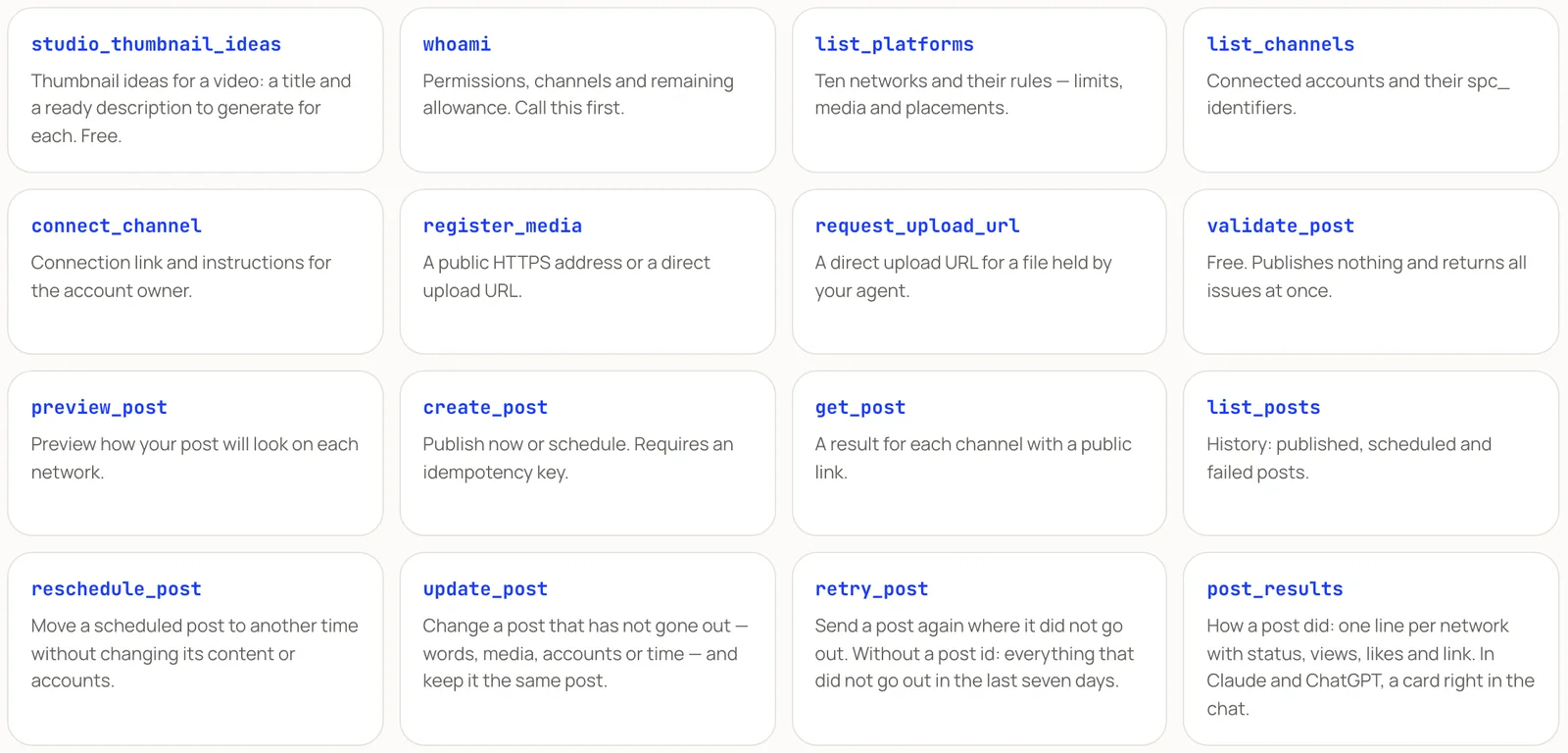

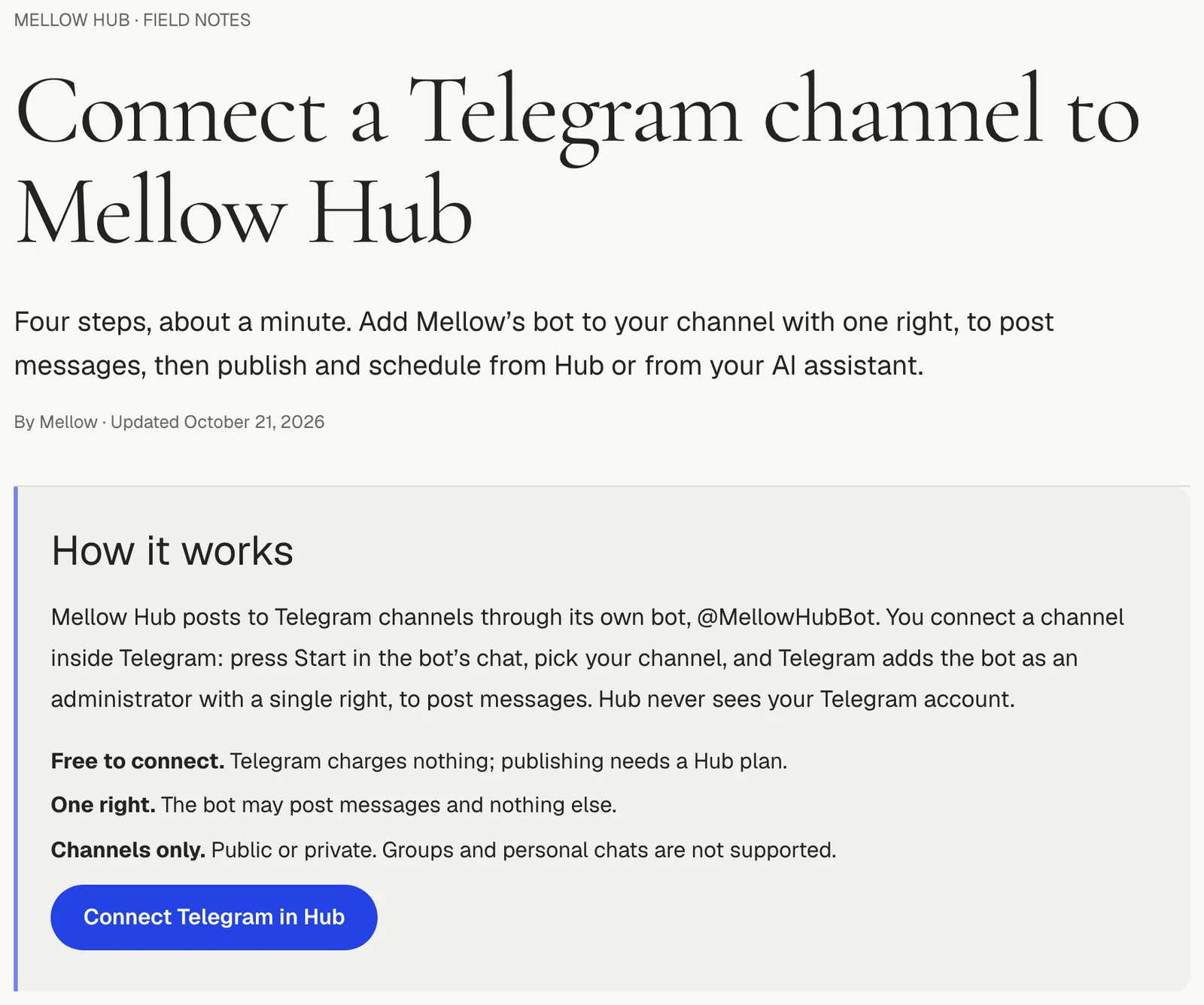
Mellow Hub, our publishing product, reaches the other networks through a publishing provider or through apps registered with each network. Telegram fitted neither: our provider has no Telegram, and Telegram asks for no app review and has no sign-in screen. What it has is bots. So we built Telegram on a bot of our own, @MellowHubBot, and asked each channel for one right. This is how it works, what we proved on 11 October 2026, and what went wrong.
The situation and the goal
A Telegram channel only lets administrators post. The do-it-yourself way is to create a bot at @BotFather, copy its token into whatever posts for you, and make the bot an administrator. For a customer that is three steps too many, and it puts a credential in their hands.
The goal: a person connects a channel in under a minute, creates nothing, gives the bot only the right to post, and from then on a post written once in Hub, by hand or by an AI agent, goes to Telegram beside the other networks.
What we did, step by step
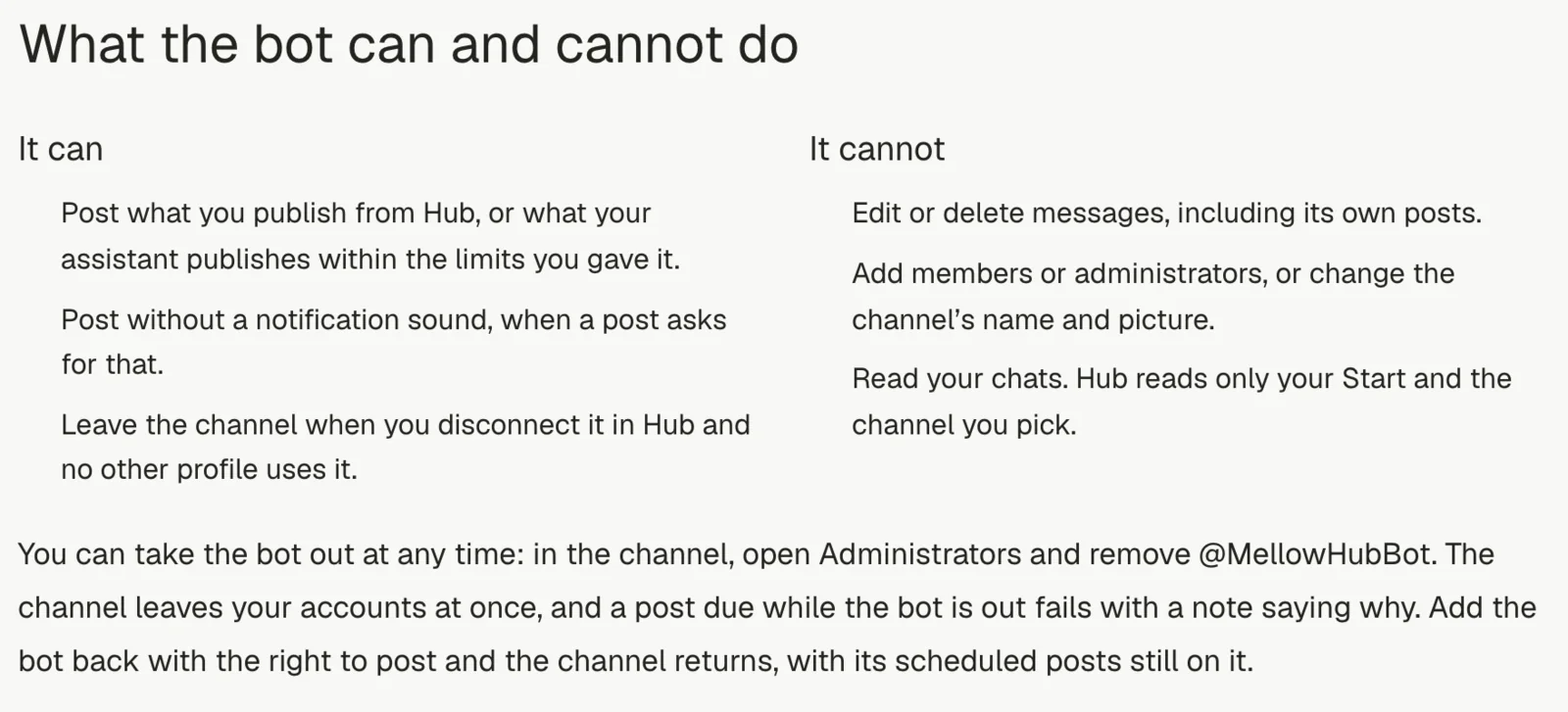
- One bot for everyone. We created @MellowHubBot once. Its token lives in the server’s secret settings, never in the repository or a log, and it cannot be read back from there, by our AI agents or anyone else.
- A connection as a short conversation. Telegram has nowhere to send a person and bring them back, so Hub gives a link of the form t.me/MellowHubBot?start=code. The code belongs to one Hub profile and works for 20 minutes.
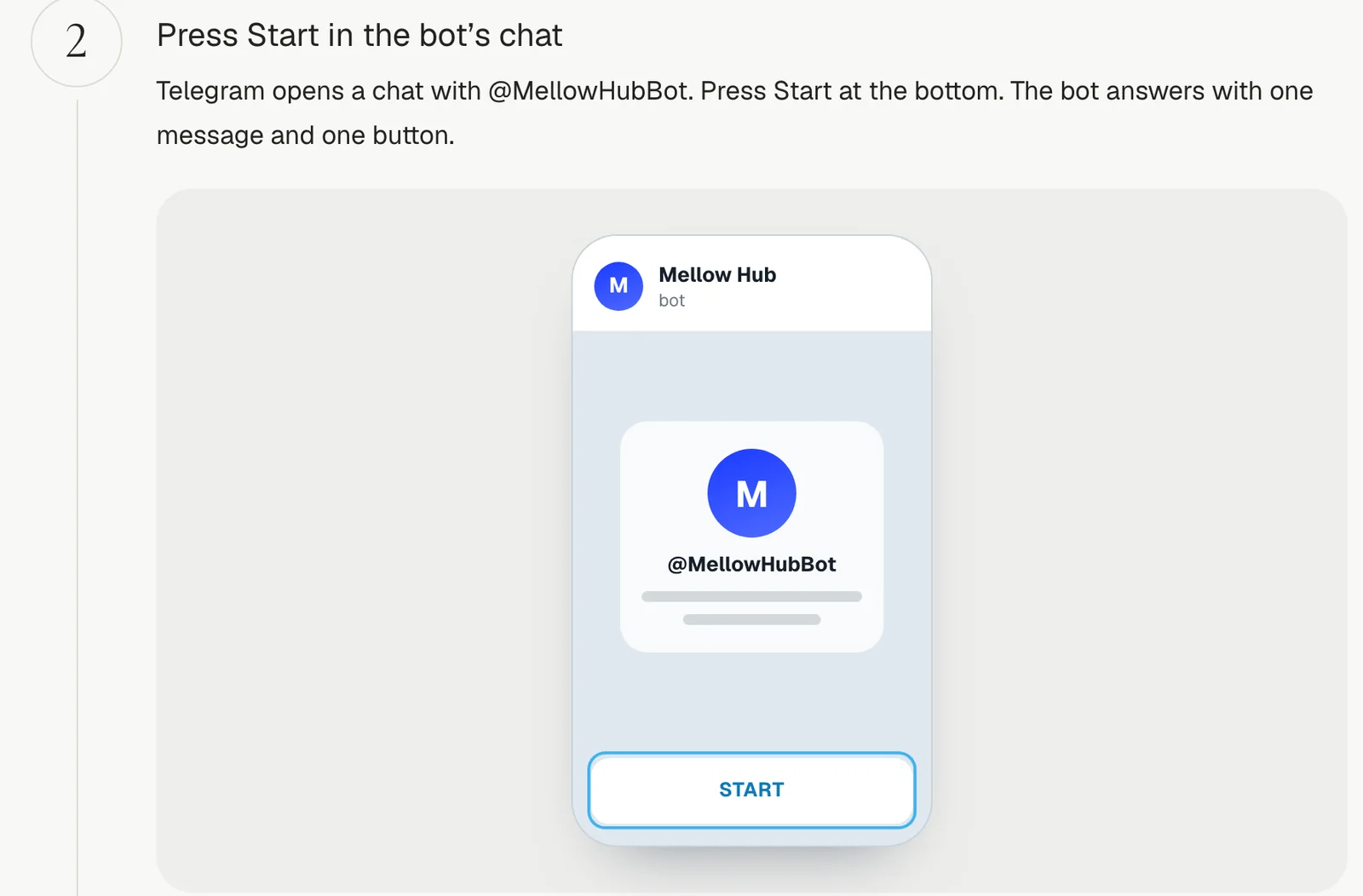
- Start, then one button. The person presses Start. The bot answers in the person’s Telegram language with one message and one button. The button is Telegram’s own
request_chat(KeyboardButtonRequestChat in the Bot API): Telegram lists the channels the person administers and adds the bot to the chosen one as an administrator withcan_post_messages, nothing else. - Trust nothing the update says. When Telegram reports the chosen chat, the bot asks Telegram itself what the chat is (a channel), whether the bot may post there, and whether the person who pressed the button administers it. Only then does the channel join the profile.
- A webhook nobody sets by hand. Telegram signs nothing; it repeats a secret in a header on every update. Our secret is derived from the bot’s token, so there is no second secret to keep, and a request without it gets 404. The code sets the webhook itself on the first connection.
- Its own place in the registry. Channels are stored under a provider of their own,
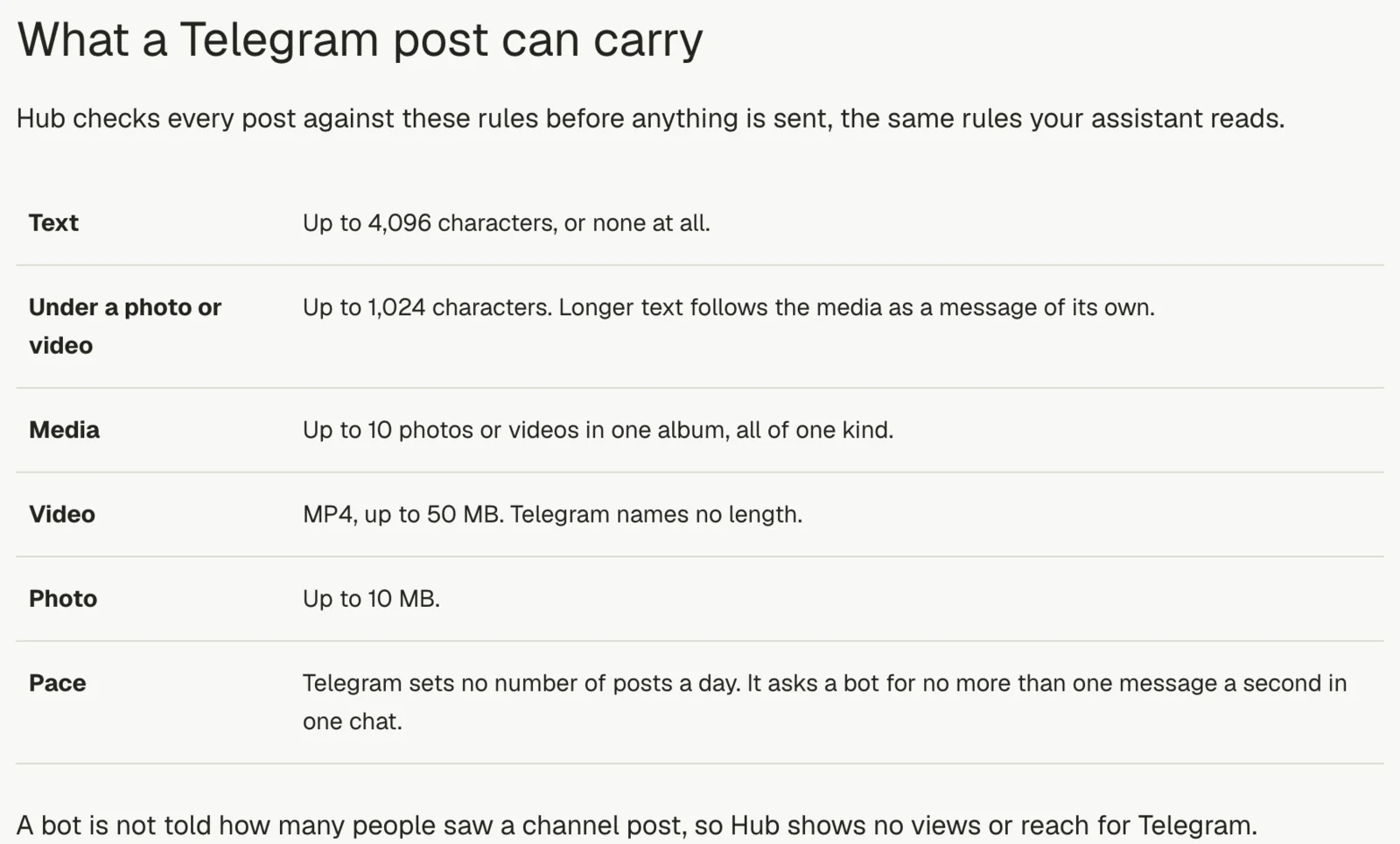
telegram. Every query written for the provider’s accounts names that provider, and its reconciliation would have switched a Telegram row under the provider’s name off within two minutes. - Publishing on a minute pass. Words alone become one message; one picture or video carries the words under it; two to ten items become an album; a caption over 1,024 characters goes as the media, then the text as its own message; a GIF goes as an animation. A post can be silent and can turn off the link preview.
- Files. Telegram fetches a file from a link up to 5 MB for a picture and 20 MB for a video. Past that, Hub downloads the file and uploads it: up to 10 MB and 50 MB, the most a bot may send through the cloud Bot API. A post scheduled more than six hours out has its files copied to our own storage, because the provider’s upload storage drops unused files within about a day.
- Asked once. Telegram has no idempotency key. Before each request the job records that it is sending; any answer clears the mark. A request that got no answer leaves it, and that post is never sent again automatically: it fails as unconfirmed, with “check the channel before posting it again”.
Results
Proven live on 11 October 2026, on a private test channel of our founder’s, every post made by an AI agent and posted by the scheduler’s own pass:
| What | Result |
|---|---|
| Connecting, Telegram for macOS | connected 13 seconds after Start |
| Rights the bot got | Post messages, plus can_manage_chat that Telegram gives every administrator; every other right off |
| Words alone | out 36 seconds after it was created |
| A picture, an album of three, a silent video | each out as one post |
| Caption over 1,024 characters with a picture | the picture, then the whole text as a second message |
| Scheduled, then moved three minutes later | out 17 seconds after the new time |
| Scheduled, then cancelled | never posted |
| A 27 MB video | out through Hub’s own upload in about two and a half minutes |
| Retries needed | none, across 8 posts |
On 13 October our founder disconnected the channel in Hub on his iPhone and connected it again from Telegram for iOS: under two minutes from start to connected, and the next message went out 24 seconds after it was created. Telegram opened to every Hub profile that afternoon, and on 21 October 2026 it became Hub’s tenth public network, with a step-by-step guide in ten languages. On 14 October Telegram posts gained styles (bold, italic, struck, hidden, code, links, quotes), sent as Telegram’s entities rather than a parse mode, so one stray character cannot refuse the whole post.
What did not work, and what we changed
- The wrong language. A connection started by an AI agent carried no language, and the bot answered a Russian speaker in English. Fixed the same day: the bot answers in Telegram’s own language for the person who opens the link.
- A file too big, caught late. On 21 October a 59 MB video passed our pre-send check, which did not read file sizes. It failed 10 seconds after it was created with “too large”; nothing reached Telegram. Refusing such a file before sending is the follow-up we noted.
- Seven quiet minutes. On 3 November at 14:00 UTC Telegram, or the route to it from our server region, took no requests for seven minutes. Four quick errors were retried; then one request timed out after 90 seconds and the post ended as unconfirmed, exactly as designed. Telegram had never fetched the picture, so nothing was posted, and sending it again after a look at the channel was safe.
- One right is not enough for everything. Our founder later asked for his public channel’s name, description, picture and pinned post to be set through Hub. That needs “Change channel info”, and pinning needs “Edit messages of others”. Connecting still asks only for the right to post; the owner adds the others in Telegram if they want them.
- No views. Telegram tells a bot nothing about who saw a channel post. Hub says so on the post instead of showing an empty number.
- Still owed live, as of 21 October: the bot removed from a channel inside Telegram and put back, a post due while it is out, and the channel picker in Telegram for Android and the web. It worked on macOS and iOS.
How to do it yourself
- Create a bot at @BotFather with /newbot and keep its token in a secret store.
- Set a webhook with a secret token, and answer every update 200 once read, so Telegram does not resend what you cannot use.
- Start each connection with a deep link carrying a short-lived code, and in the chat send one button with
request_chatthat asks for a channel and the right to post messages. - When the chat is shared, confirm it with getChat and getChatMember before you store it.
- Send with sendMessage, sendPhoto, sendVideo and sendMediaGroup; keep captions to 1,024 characters and texts to 4,096 (every network’s limits side by side), style with entities, and keep to about one message a second in one chat.
- Never retry a request that got no answer. Mark it, fail it, and let a person check.
- Or connect a channel to Mellow Hub in four steps, with no bot of your own.
Numbers at a glance
| What | Figure |
|---|---|
| Rights the bot asks for | 1: Post messages |
| Connection code lifetime | 20 minutes |
| From Start to connected, 11 Oct 2026 | 13 seconds |
| Live posts on 11 Oct 2026, retries | 8, none |
| Text limit, caption limit | 4,096 and 1,024 characters |
| Files by link / uploaded | 5 MB and 20 MB / 10 MB and 50 MB |
| Telegram’s pace in one chat | about one message a second |