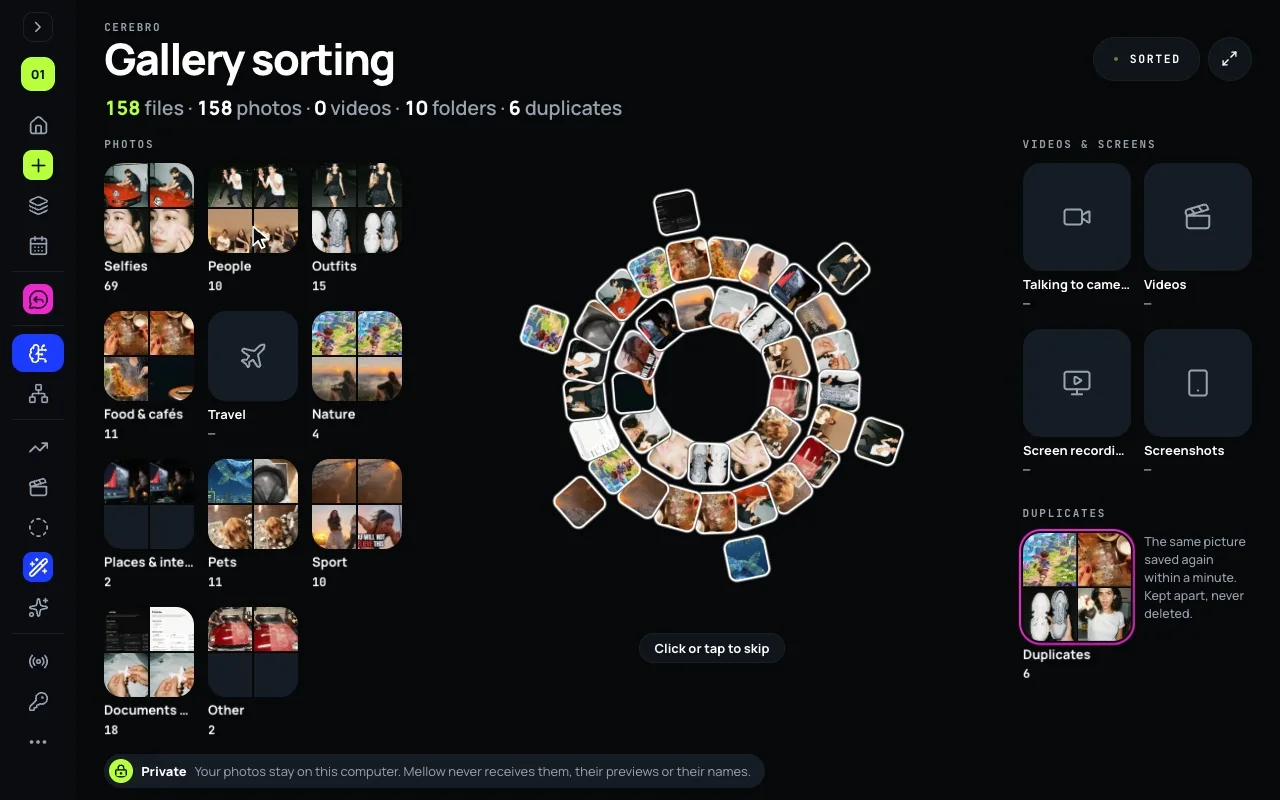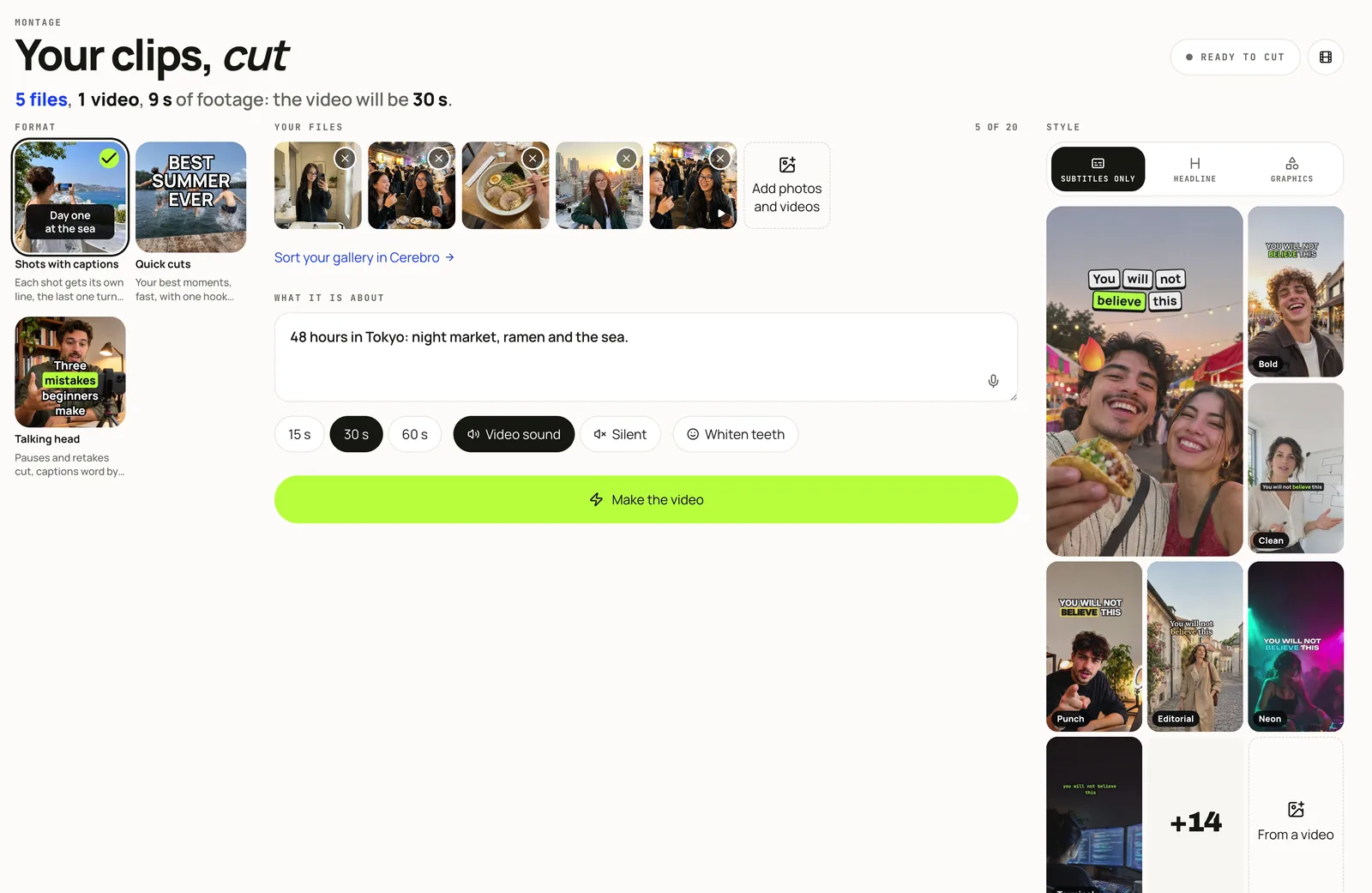

Stories, in the Create with AI group, turns a photo or a video and a line of text into a designed story, in a style that is yours.
Make a story
- Open Stories.
- Press Add a photo or a video.
- Choose I write and type the line. One word between stars, as in
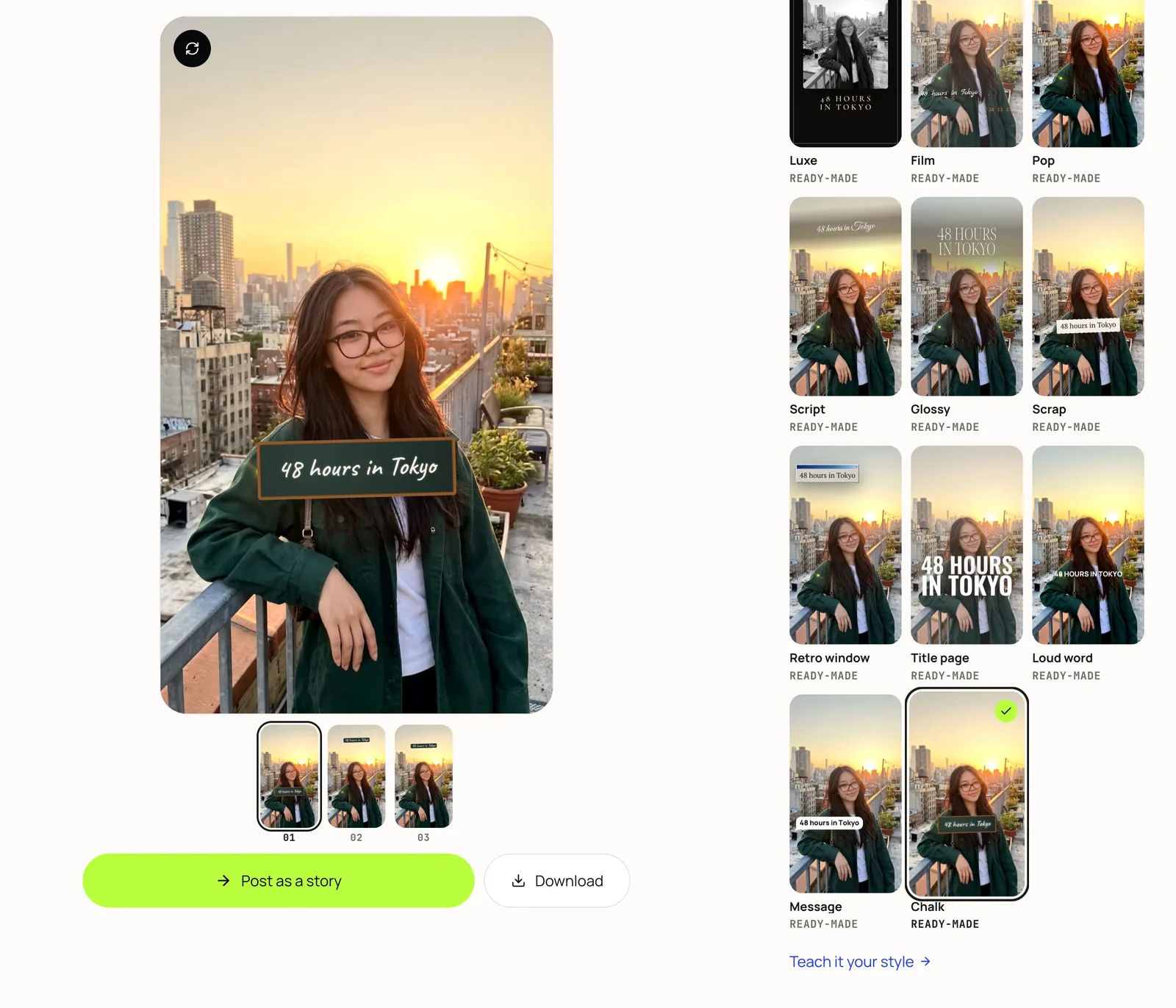
finally, the *sea*, becomes the accent; the small line under it, a place or a date, is optional. - Three finished stories appear at once. Drag the words, retype them, change the colour.
A photo story is designed in your browser: nothing leaves your device until you send it.
Choose the style
- Ready-made: 17 styles to start from, Title page, Loud word, Message and Chalk among them.
- How should the style change? Type or say the change; each one shows as a chip, and a cross takes it away.
- Add my stories: screenshots of your own stories, up to 12; new stories follow how they look and how you write.
- Add a reference: a story you like, by link or file; its style is adapted, never its words or pictures.
Let AI write a series
Choose AI writes, add several photos or videos, up to 10, and say what you want. Build the series orders the frames into a little story and writes each one’s words. Every word stays editable.
Post it
Post as a story sends a story to the composer, for Instagram or Facebook. Download the series saves the photo stories in order. Whiten teeth is one switch, on photos and video.
The screen above was recorded on our test stand, in a demo account whose photos, channels and figures are made up.