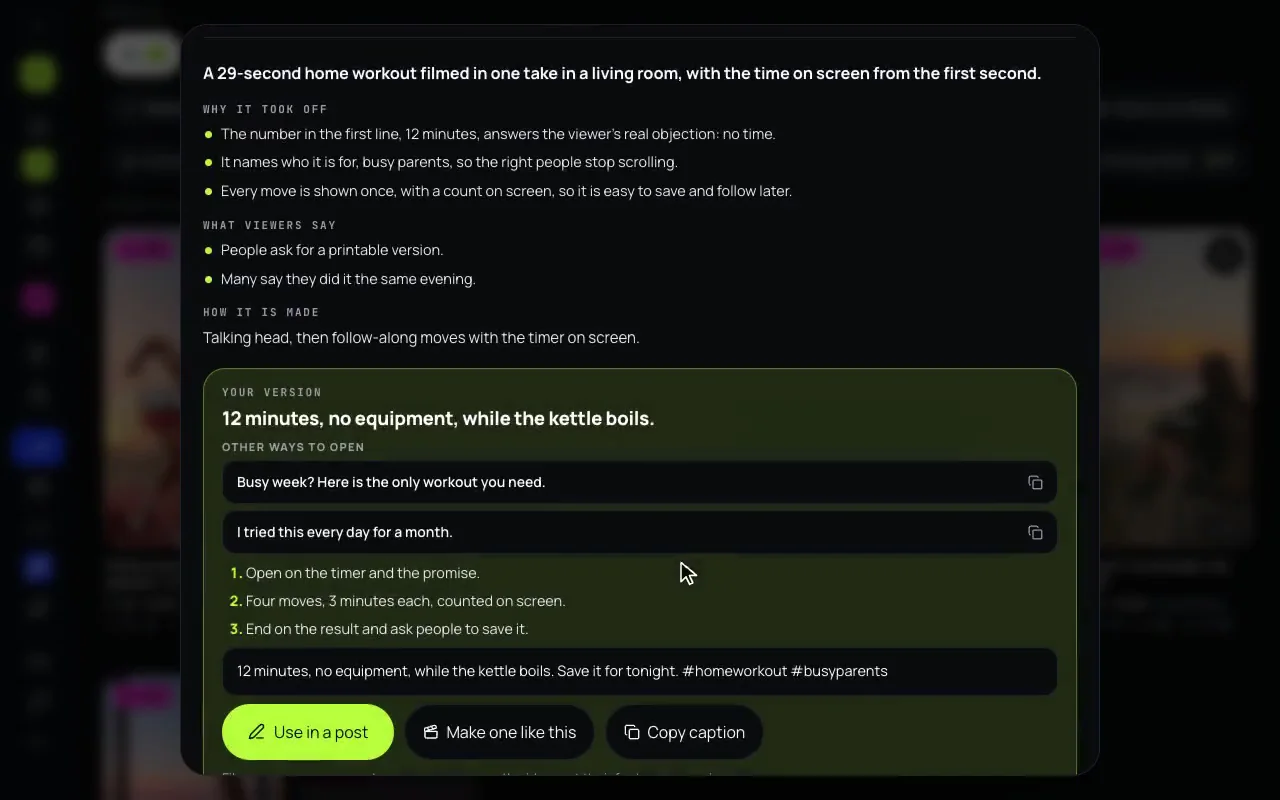

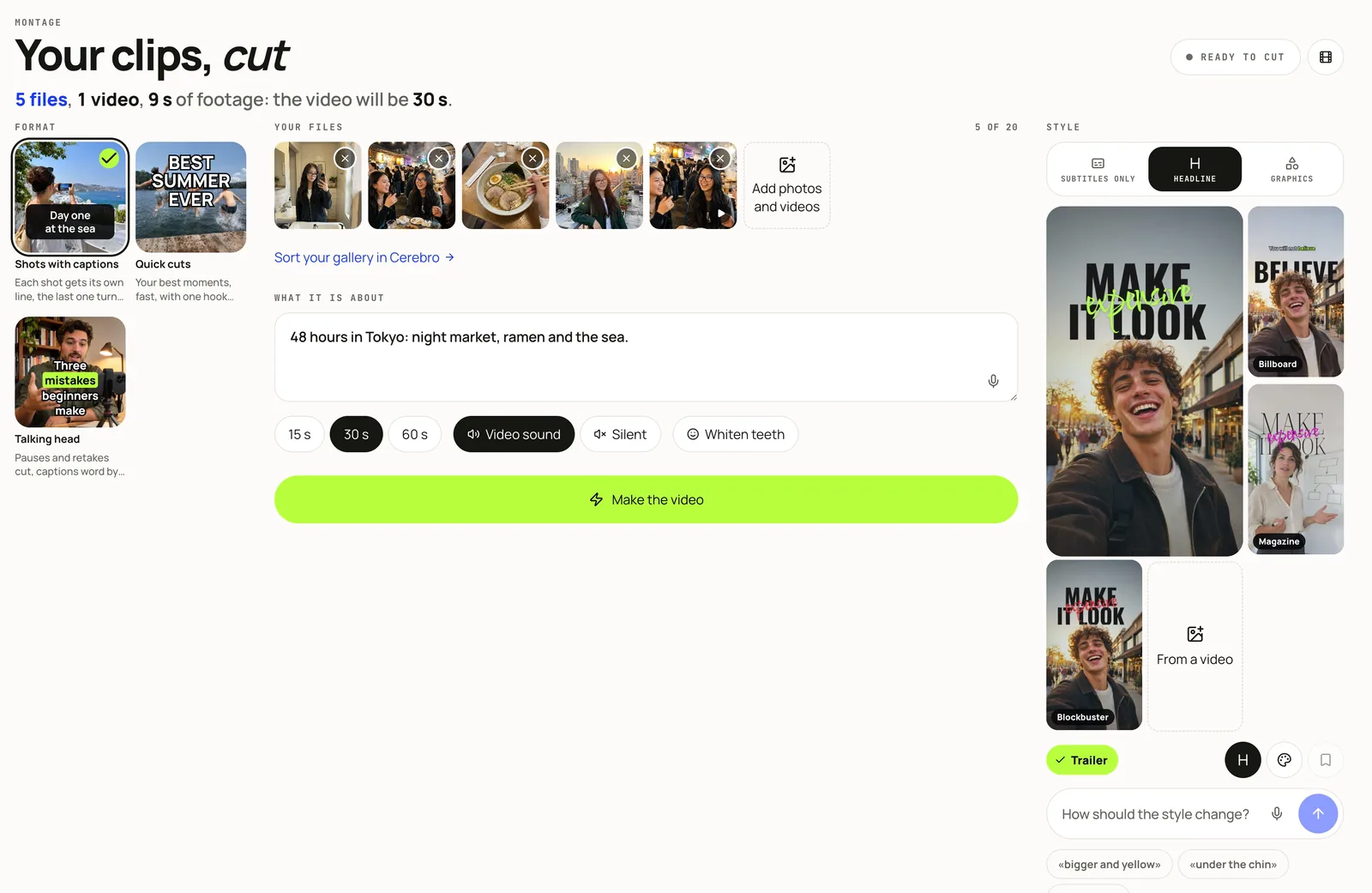
On a short video, the captions are most of the look. Montage, the part of Mellow Hub that cuts your photos and clips into one vertical video, now has 34 caption looks, up from 12, in three families on three tabs. Pick a look by its picture, then change it in your own words.
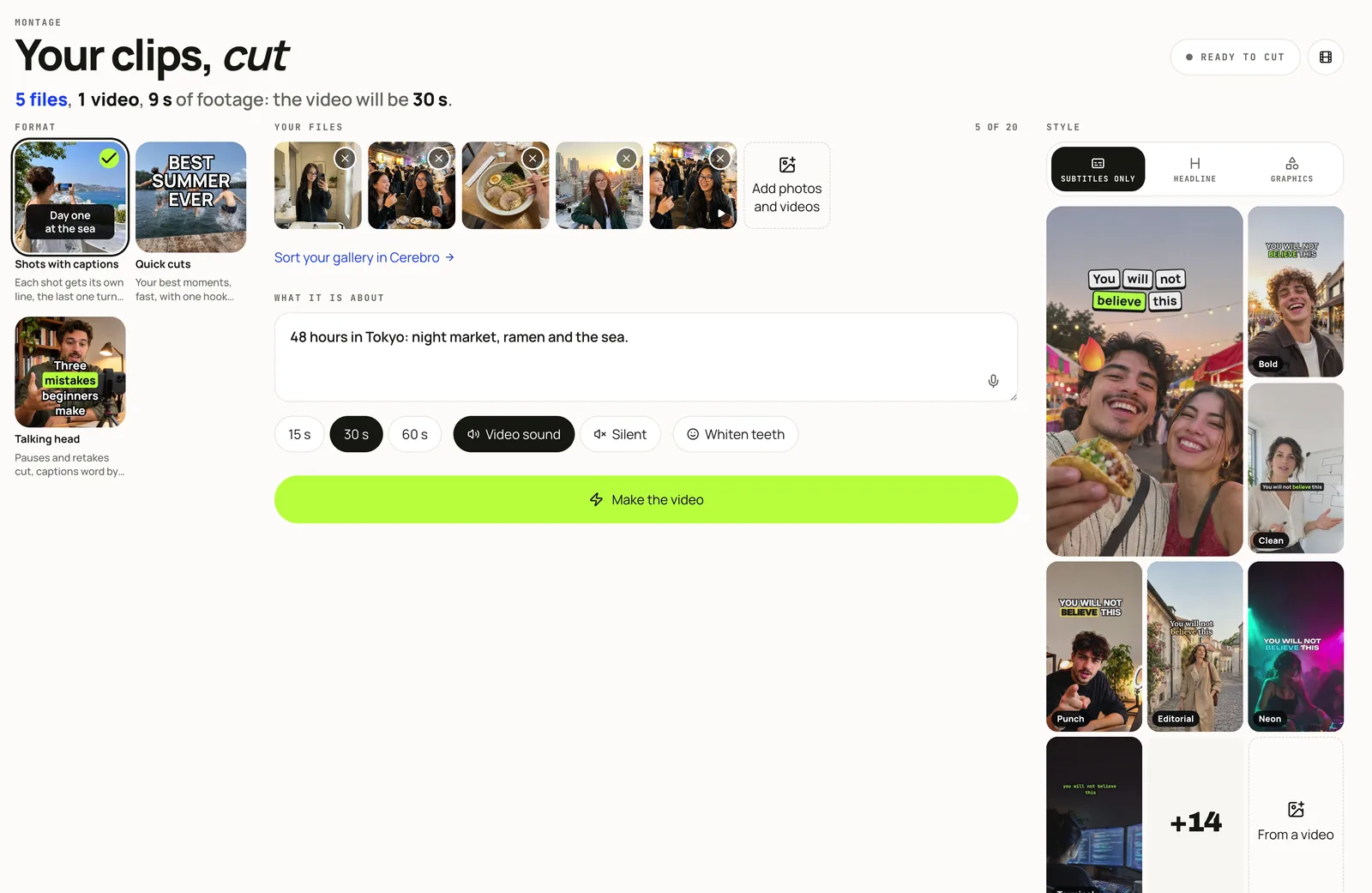
Subtitles only
21 looks that put your words on screen as you say them, moving with the speech. New ones: Rhythm, Spotlight, Ticker, Sing-along, Slam, Stack, Slot, Duo and Notes. The 12 earlier ones, such as Bold, Clean, Pop and Punch, are here too.
Headline
4 looks for a person talking to the camera: Billboard, Magazine, Blockbuster and Trailer. Big words stand behind your head while small ones under it follow your speech. In Magazine, Blockbuster and Trailer it is a title for the first seconds, with one word written across it; Billboard puts each key word there as you say it. Blockbuster and Trailer also grade the footage like a film.
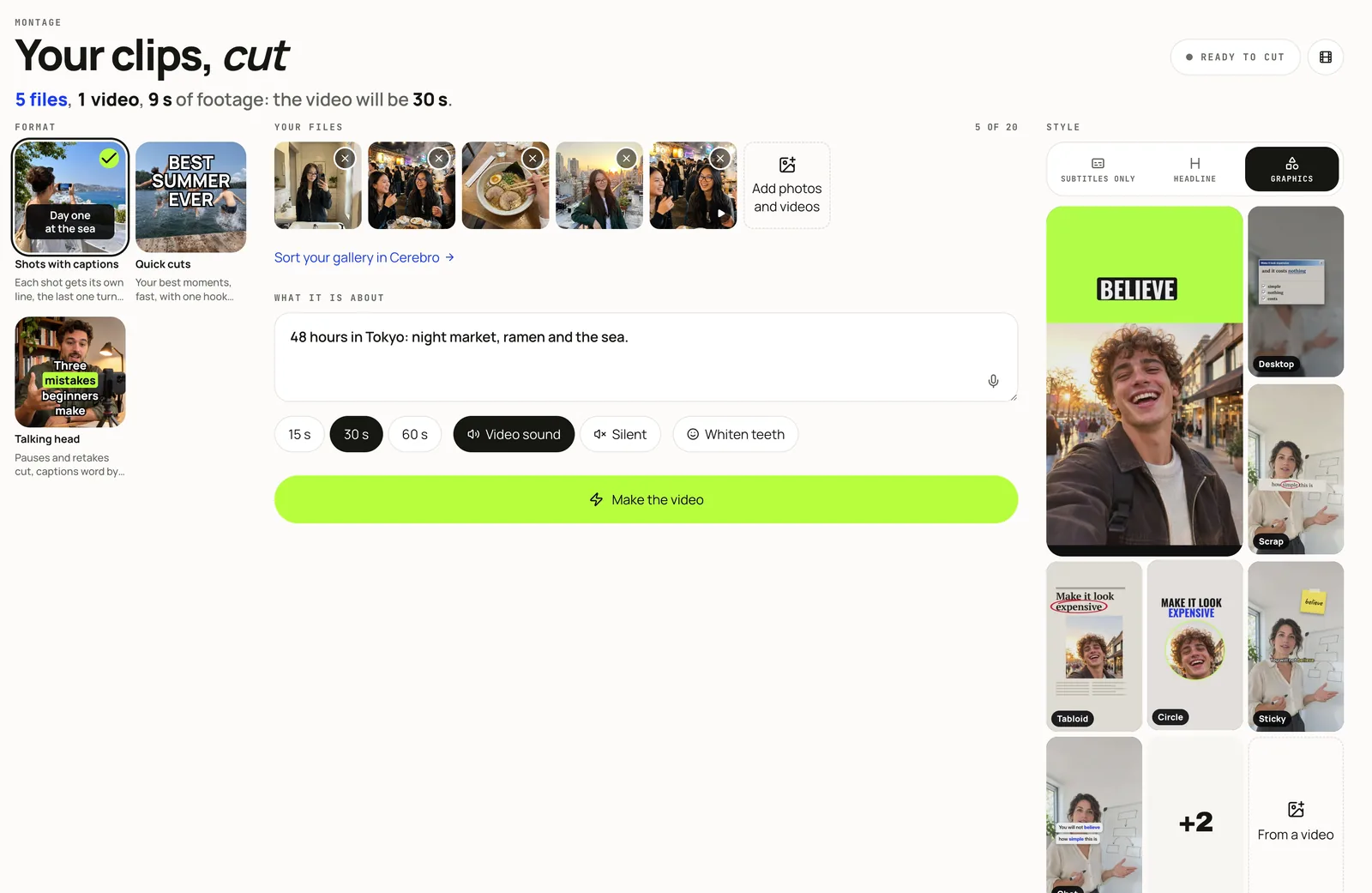
Graphics
9 looks that add one designed moment over your footage: Desktop, Scrap, Tabloid, Halves, Circle, Sticky, Chat, Chalk and On Air.
Change a look by saying how
Under the looks is one field, How should the style change?, with a microphone. Type or say what you want, for example “bigger and yellow”, “under the chin”, “no title” or “like a movie”. Each change shows as a chip, and a cross takes one away. Hub’s voice assistant takes the same phrases. It is new: if a phrase does not land, put it another way.
Colours, fonts and the cut
- 7 palettes, Lime, Sun, Rose, Flare, Ice, Violet and Gold, or your own colours, which reach the titles and graphics too.
- A font for the title, and a film grade.
- For a talking head, retakes and filler words are cut.
- A wide video with a big face in it is framed 4:5 over a blurred copy of itself, so the captions stay off the face.
- Save to My styles keeps a look you changed. From a video copies the layout, colour and rhythm of a video you like, never its content.
Make one
- Open Montage, add up to 20 photos and clips, and say in a sentence what the video is about.
- Choose 15, 30 or 60 seconds, then a tab and a look.
- Press Make the video. It is made on Mellow’s own render machine, one video after another; the screen says how many are ahead of yours, then shows each stage.
- Use in a post puts the video and its caption into the composer.
Stories gained new looks the same day: Stories in your style.