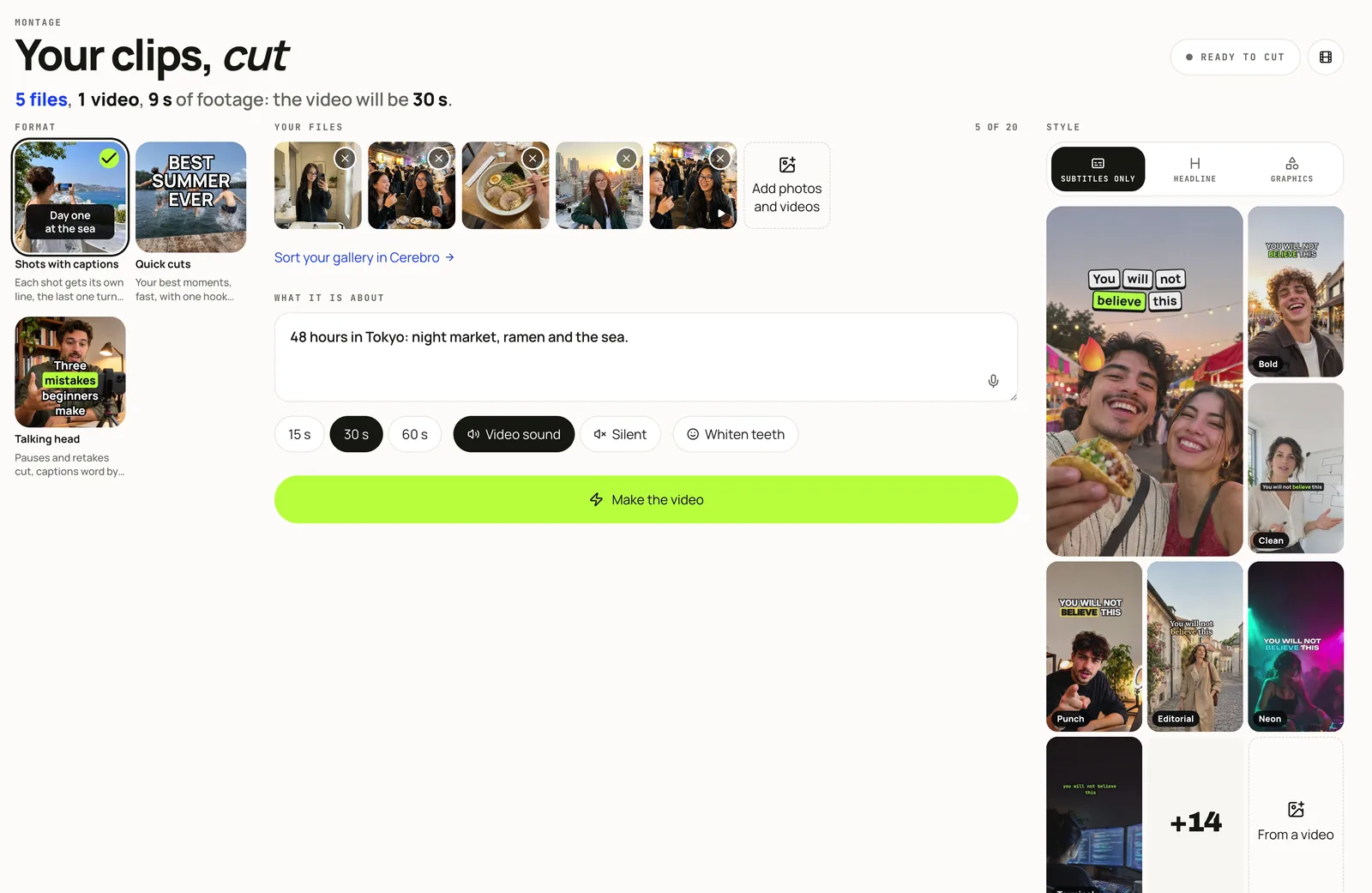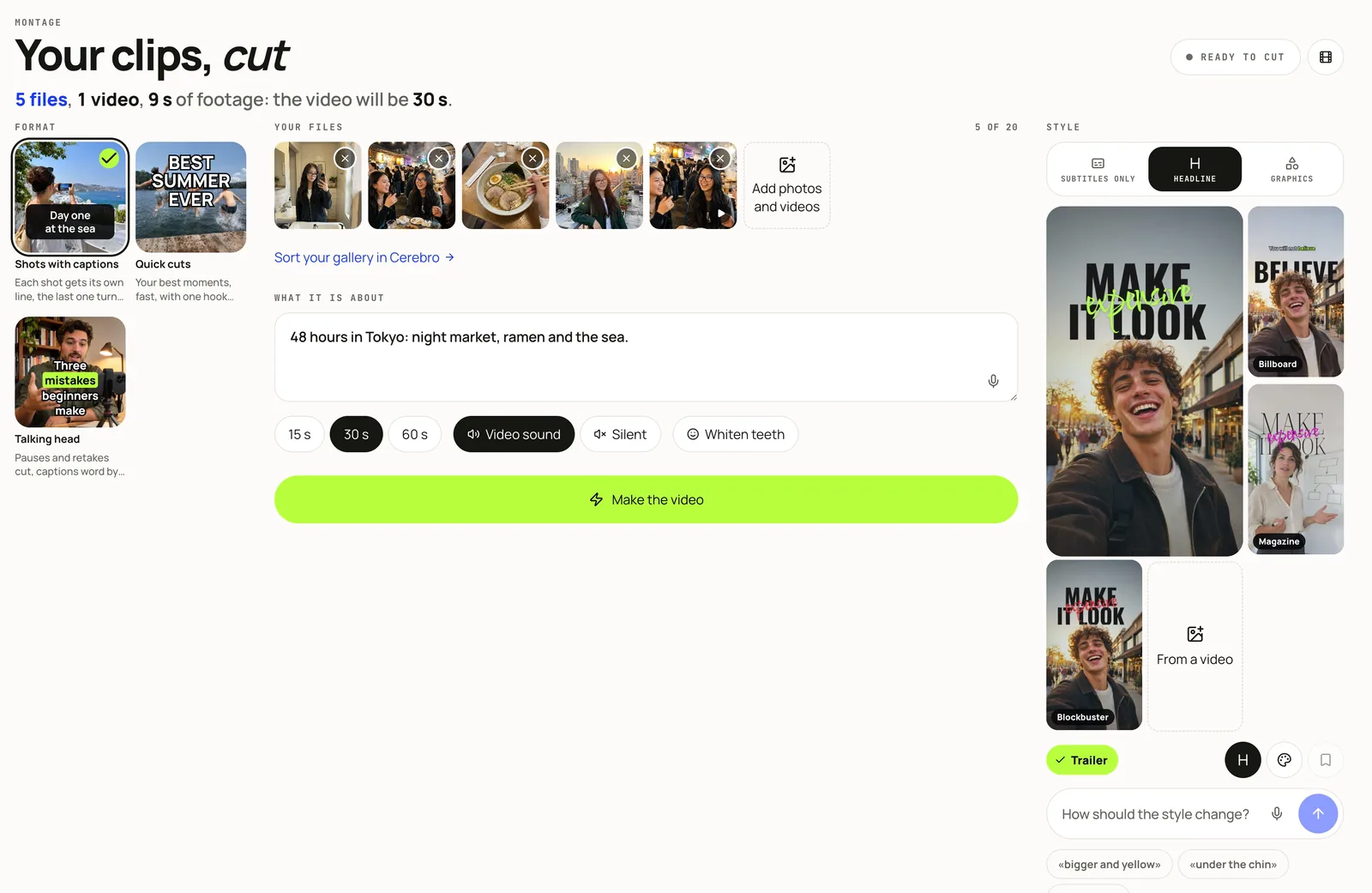

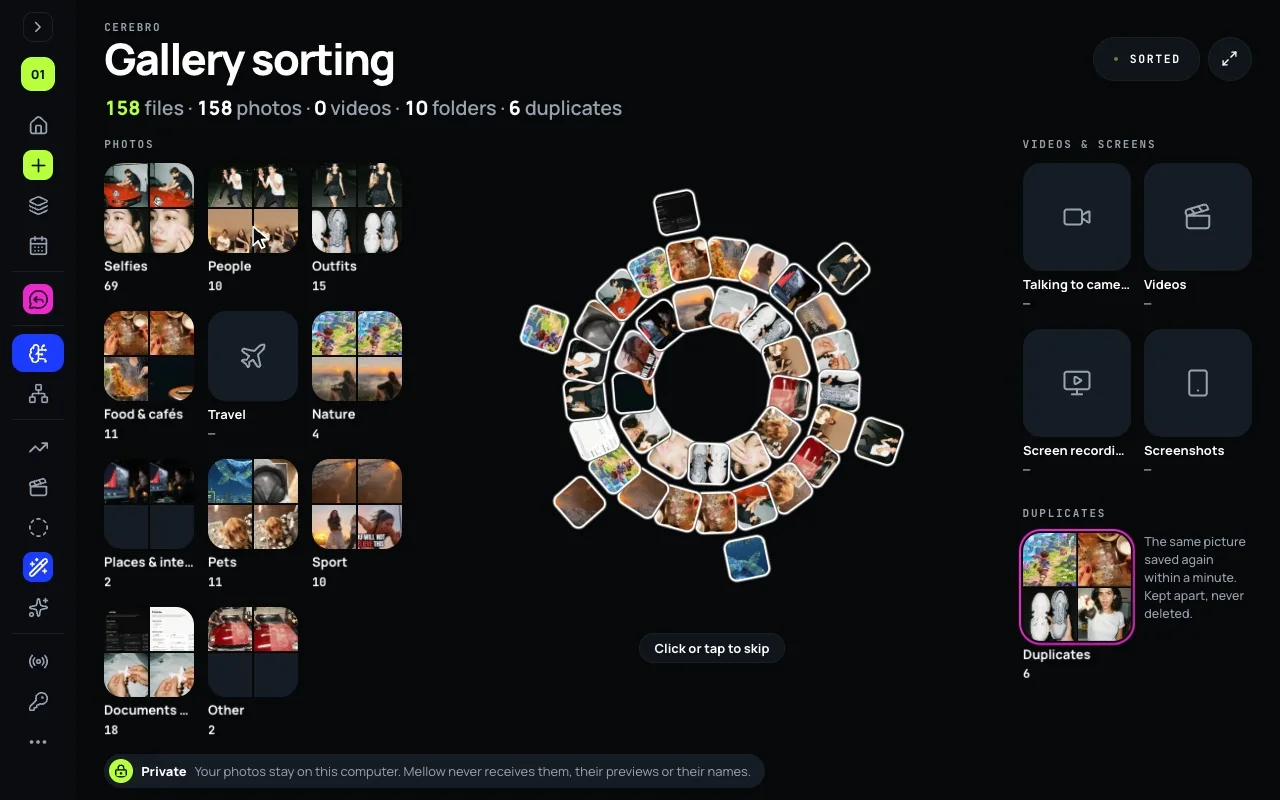
How Cerebro sorts a library is in the AI photo organizer guide: the albums, the duplicates, the browser and Hub for Mac. This post is about the next step, the one an organizer usually leaves out: turning those albums into something you publish.
Start from the albums, not from the camera roll
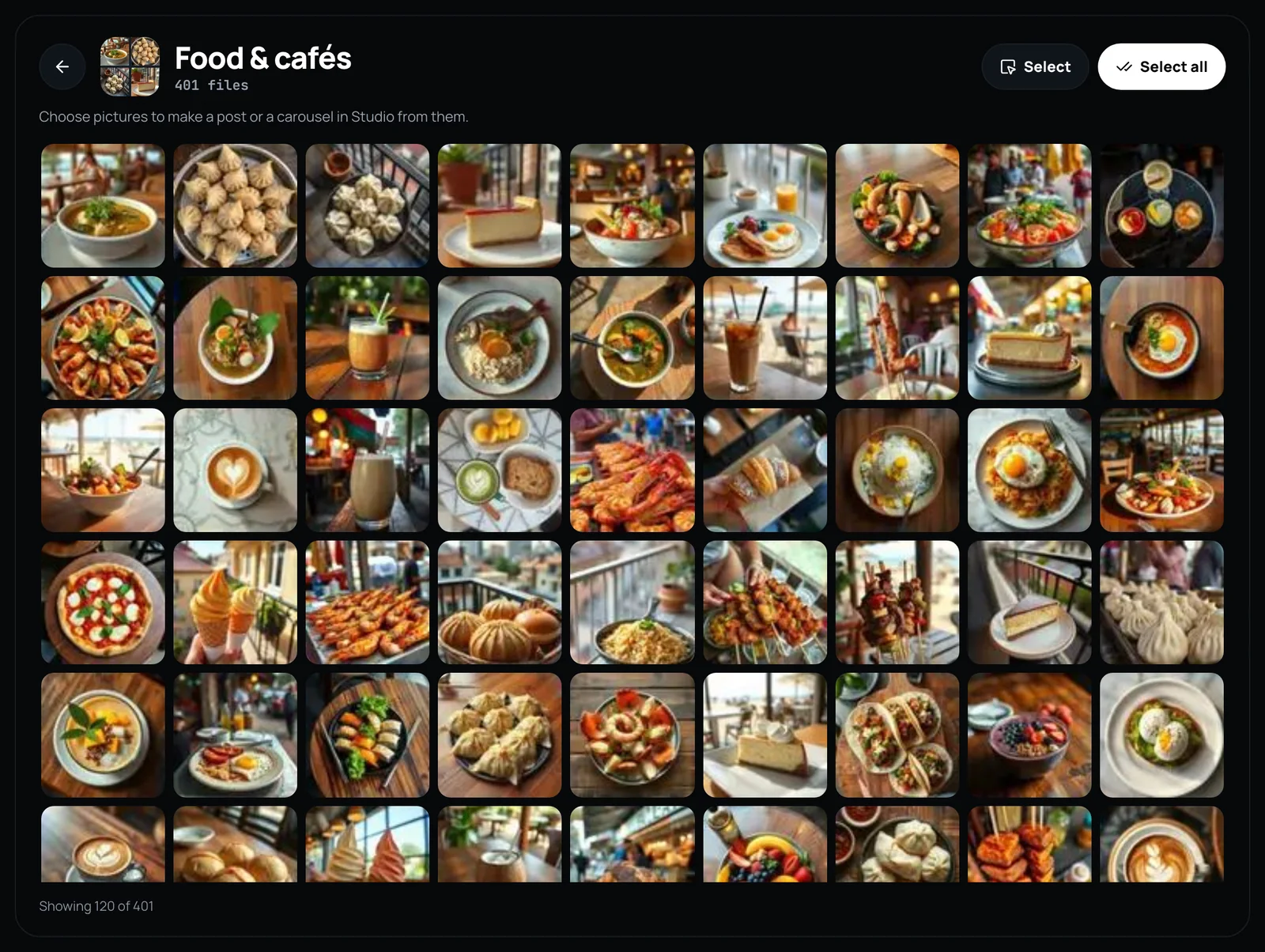
After a sort, every album has a count and a cover, so you can see what you actually have: a week of food, a trip, a pile of screenshots. That is the moment to pick a post, not to scroll.
- Open Cerebro and choose a folder, or in Hub for Mac the whole Photos library.
- Open an album. It shows its pictures while Cerebro is still reading the rest.
- Decide what the album should become.
Three ways out of an album
- A post. Press Select or Select all and send up to 10 pictures to a new post. The composer takes them as they are, and Hub checks each network’s rules before anything goes out. From Hub for Mac each picture goes as its original.
- A carousel. Send the same pictures to Creative Studio, which writes and designs the slides around them.
- A video. Make a video sends the album’s files to Montage, videos first. Montage cuts them into one vertical video with captions in your style. This works for a folder sorted in the browser; Photos in Hub for Mac cannot hand Montage its originals yet.
Albums that make good posts
- Talking to camera: videos whose first frame shows a face. A talking-head montage starts here.
- Food & cafés, Travel, Nature, Pets: natural carousels and quick-cut videos.
- Screenshots and Documents & receipts: what you saved to remember, not to post. Often the idea for a post is there.
- Duplicates: the same picture saved twice, kept apart and never deleted, so the album you post from has one of each.
Private by design
- Sorting runs on your device: in the browser inside the page, in Hub for Mac on the Mac. Mellow never receives your photos, their previews or their names.
- A picture leaves your device only when you send it to a post or to Montage yourself, and then only that picture.
- Cerebro costs no credits.