
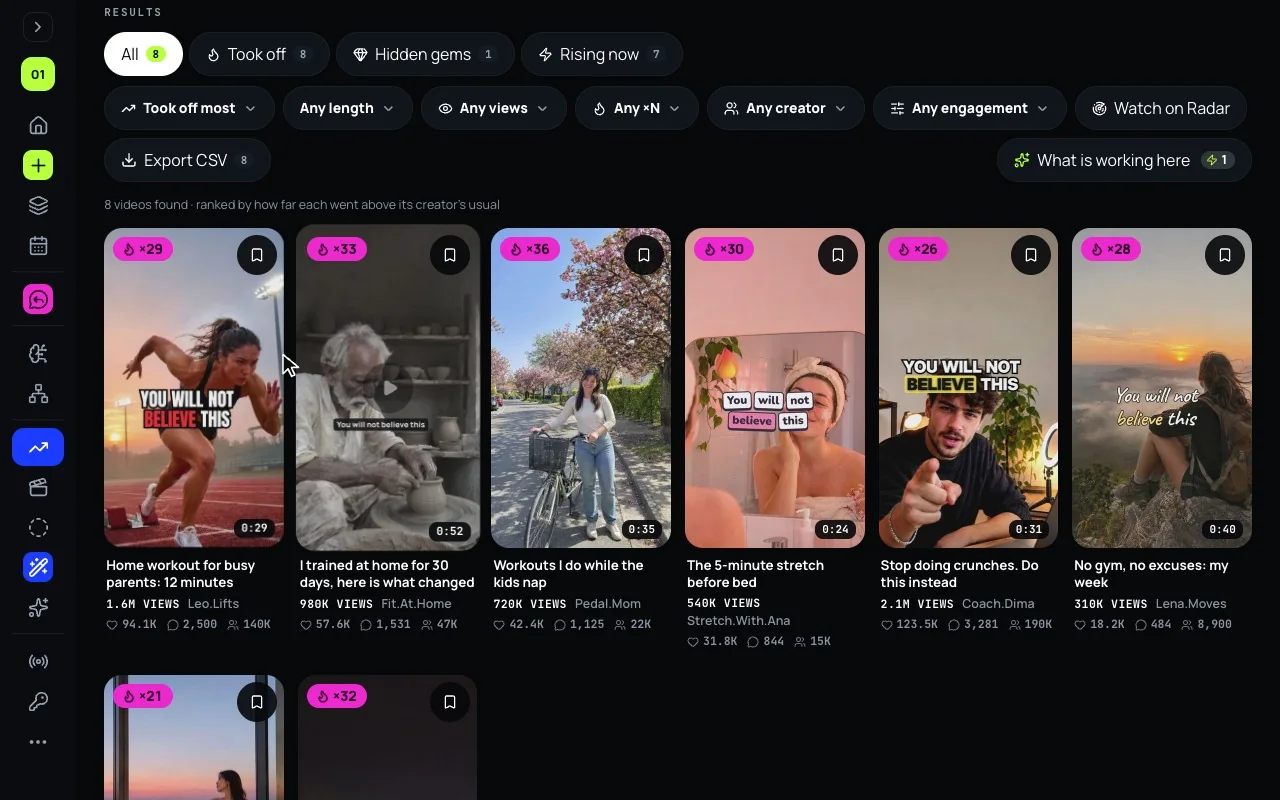
Trends shows videos that took off on YouTube, TikTok and Instagram: not the most viewed ones, the ones that went far beyond what their creator usually gets. This post is the practical side: how to use it every day, and Radar, which watches a topic for you. Everything Trends does is in its launch post, and on one page in the viral video finder.
Look: what took off in your niche
- Open Trends. It starts on Trending now, one wall of videos that took off, the strongest on bigger tiles; Topics, in the bar across the top, has 15 categories.
- Type your topic the way your audience would say it, pick the network and a period of 3, 7, 30 or 90 days.
- Videos that took off lead. On TikTok and Instagram that means ×2 the creator’s usual views and at least 5,000 views; the badge shows how far above. On YouTube, Trends shows YouTube’s own figures only, until YouTube approves figures Mellow works out from its data.
- What is working here reads the whole search and names what the videos that went furthest have in common.
Make: one video into your post
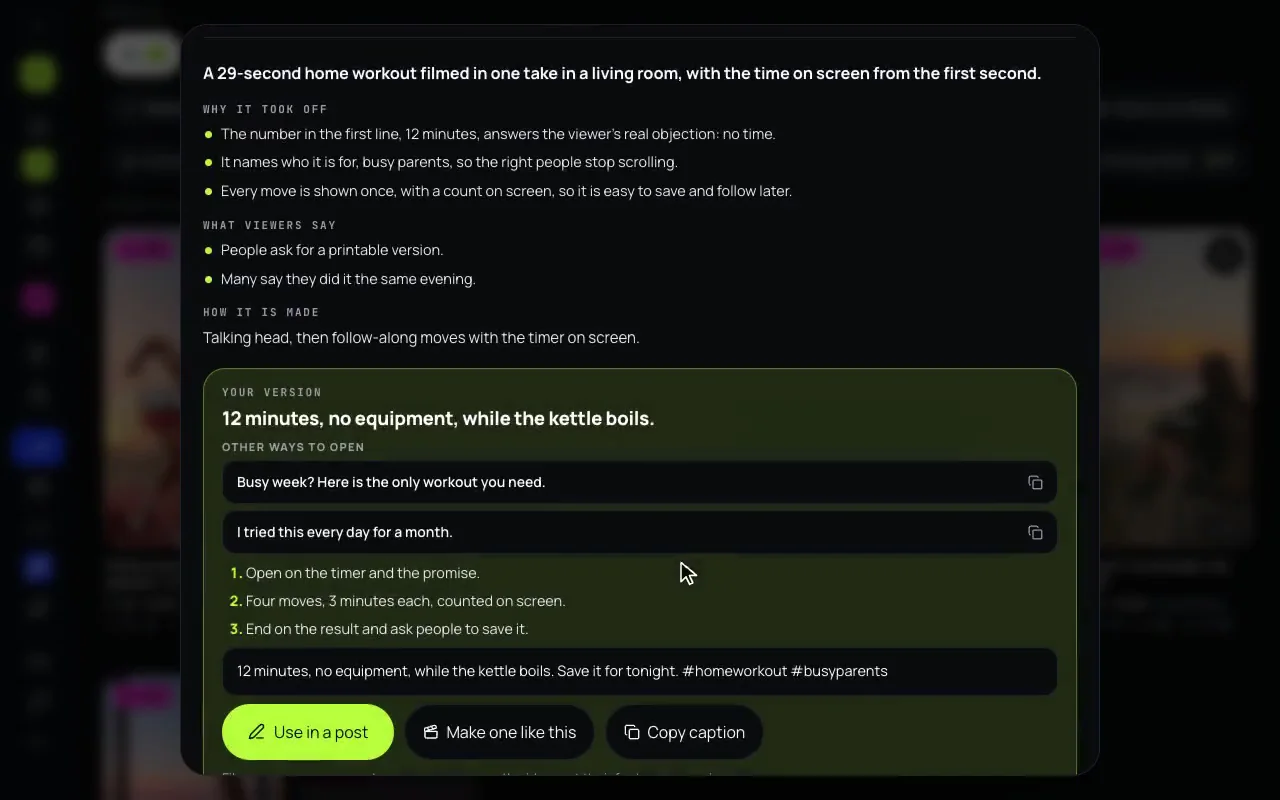
- Break it down says why the video worked, tied to its figures, its caption, what is said in it and, on YouTube, the comments viewers liked most.
- Then your version: an opening line and three more, the steps, a caption.
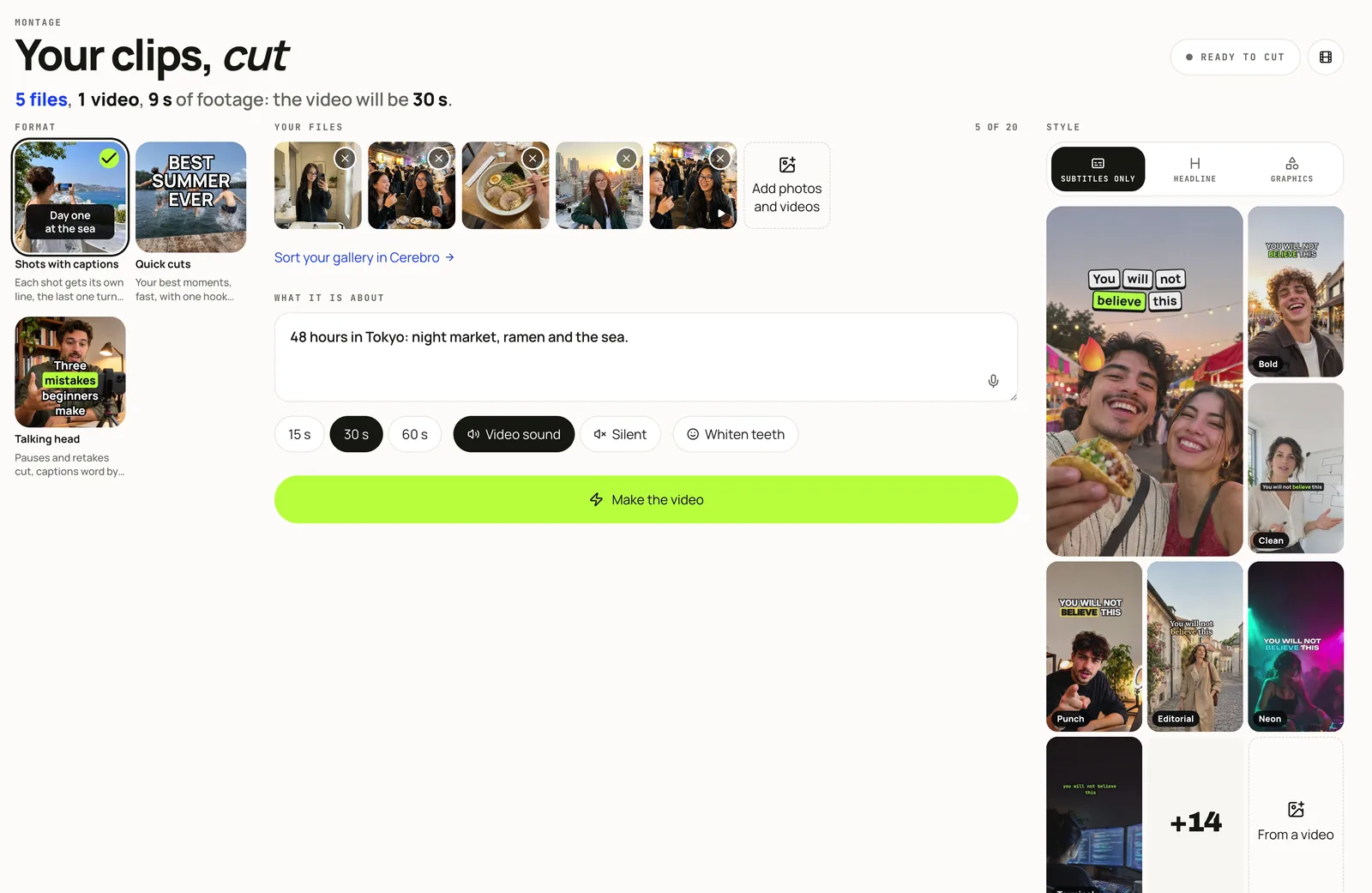
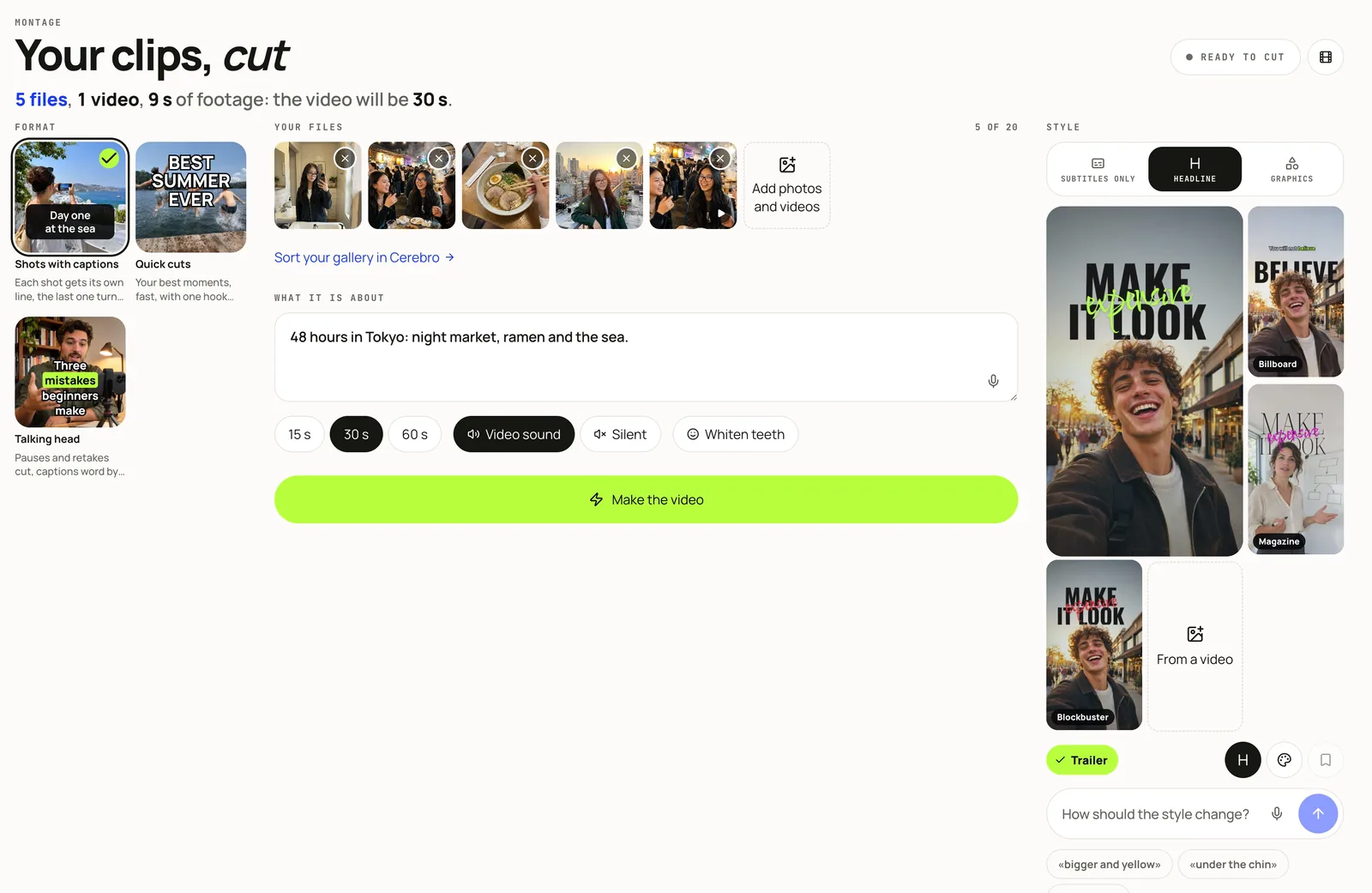
- Take this idea carries your version on: to Cerebro to pick your footage, then to Montage, Stories or Creative Studio, each filled in with the idea. Nothing is published or spent until you press that screen’s own button.
- Use in a post sends the caption to the composer. Make one like this opens Montage with the idea as its reference, for your own clips.
- A breakdown watches the video only for that breakdown and keeps no copy, and it never suggests reusing its footage, music, face or words.
Watch: Radar keeps the search for you
A topic you care about does not stop taking off when you close the tab. Press Watch on Radar on a search, and Hub keeps it as a radar: the topic, the network, the language and the bar a video has to clear.
- Once every 24 hours Hub checks it and keeps the videos that took off since it last looked. They show as new on the Radar tab.
- One letter a day at most tells you there are new ones. If you connected a Telegram channel through Mellow’s bot, the same note comes in the bot’s chat.
- A radar sleeps 14 days after you last opened Trends, and wakes when you come back.
- Radars by plan, counted across the account’s profiles: Solo 5, Studio 20, Scale 50, a trial 2.
What it costs
| Action | AI credits |
|---|---|
| Trending now, the categories, a YouTube search | Free |
| A new TikTok or Instagram search | 2 credits, free when anyone ran it recently |
| A breakdown | 2 credits |
| What is working here | 1 credit |
| A Radar check on YouTube | Free |
| A Radar check on TikTok or Instagram | 1 credit, only on a day it finds new videos |
An AI agent gets the same through Hub’s MCP server: trends_search to look, trends_radar to keep a topic, and trends_breakdown with a key that may spend credits. None of them publishes anything.